Smart Water Box Refund Policy: Steps to Ask for Your Money Back
The refund route in order: what to gather before you write, what the request should say, how long the seller says the money takes to post and what to do if the reply is slow.
- Written by
- HealthCure Guide Editorial Team
- Reviewed by
- HealthCure Guide Editorial Team
- Updated
- Reading time
- 6 min read
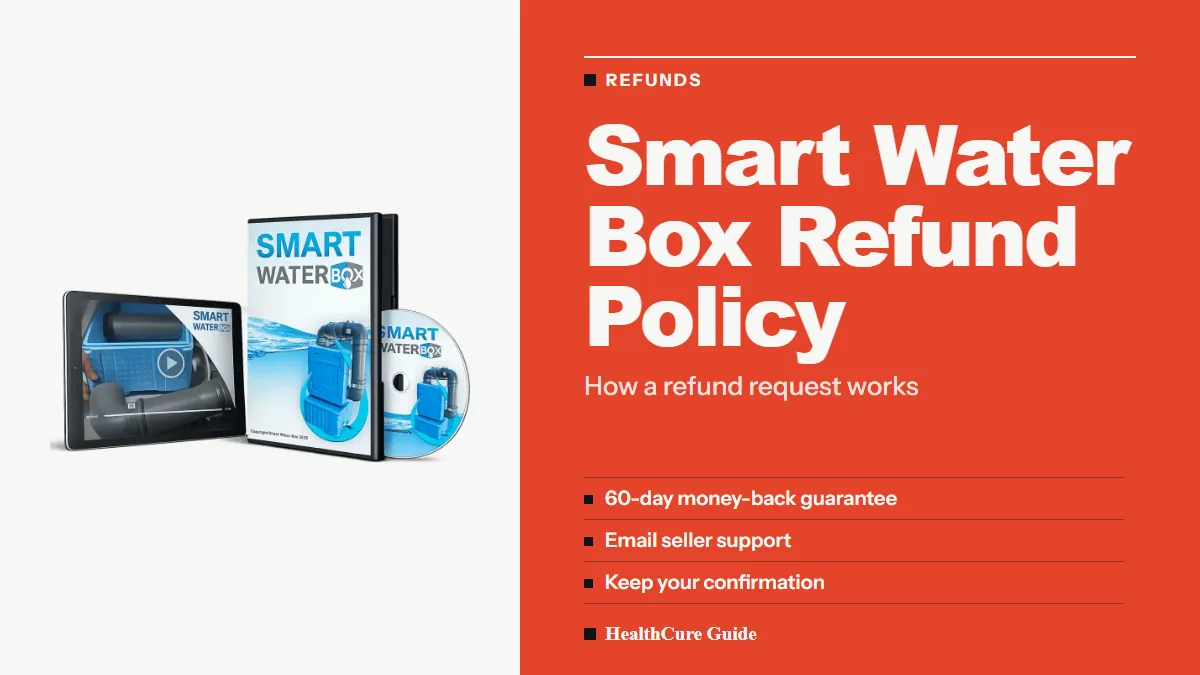
A Smart Water Box refund policy only helps if you know how to use it, so this page takes the refund route in order. It covers what to gather before you write, what the request should say, how long the seller says the money takes to post and where to turn if the reply is slow. The steps are the same whether you are a careful planner or someone who only wants a clear record. Our product hub has the wider picture.
Smart Water Box Refund Policy: What the Seller Promises
The seller describes a 60-day money-back guarantee. Its refund wording says that if you are not satisfied, you can send a short email to the support address and ask for a full refund. The seller also says the refund takes three to five business days to post to your account. These are the seller’s terms as we read them, and this summary does not add to them.
It helps to read the promise as a route rather than a gift. The route is an email, a full refund request and a payment that posts back to your account. Each part has a job. The email starts the process, the order details let the seller find your purchase, and the posting window tells you when to check your statement. Keeping those parts in view stops a refund from feeling like a guessing game.
The promise does not replace the order page. The terms that apply to your purchase are the ones shown when you buy and the ones in the confirmation email. If those differ from what is written here, follow your order record and ask the seller to clarify in writing before you rely on our summary.
Step One: Gather Your Records
Before you write anything, collect the three things the seller will need to find your order: the confirmation email, the name you ordered under and the order number. Put them in one short note, together with the date you bought and the amount you paid. Take the amount from your own receipt, not from memory or from a page you saw earlier.
Keep the note in the same folder as the confirmation email. If the request needs a second message, that folder is the difference between a quick correction and a long back-and-forth. Our price post explains which lines on the order screen are worth copying into that note.
Step Two: Send the Request
Write to the support address, [email protected], and use a subject line that names the refund. Then keep the body short and specific:
- Give your full name as it appears on the order.
- Quote the order number and the date of purchase.
- Say plainly that you would like a full refund under the 60-day money-back guarantee.
- Keep the tone polite. Leave out threats, and do not argue about the sales video.
- Ask the seller to confirm receipt in writing.
That is the whole request. A calm, specific message makes it straightforward for the support team to act, and it creates a clear record for you. Long messages full of complaints add little that helps the refund along. Once the message is sent, avoid stacking extra requests on top of it. One clear message is the strongest record, and any reply can be measured against it.
Step Three: Wait for the Money to Post
The seller says it processes the request and that the refund then takes three to five business days to post. Your bank or card issuer controls the final timing, so the posting date can differ from the seller’s estimate. Check your statement after that window. If nothing has appeared, note the date and move to the next step.
If the statement shows an amount that differs from what you expected, do not assume the process has failed. Compare the figure with your receipt first. A difference can come from a currency conversion or a separate charge, and your order record helps you work out which one applies before you raise the matter with the seller.
Do not open a bank dispute at the start. Begin with the email route the seller describes, and give the process a fair run before you go elsewhere. Keep every reply, because each one is part of the trail.
If the Seller Does Not Reply
A reply can take a little while, so allow a reasonable window before you chase it. When you follow up, keep the tone identical to the first message. A second request that is shorter and more specific often works better than a longer one, because it shows you are tracking the same order. Note the date of each message in your record. If nothing arrives, send one short follow-up that quotes your first message and its date. Keep it factual. A second message is often enough to bring a response, and it leaves a clear trail if you need it later. Our legitimacy checklist covers the seller’s contact points in more detail.
If the seller still does not respond, ClickBank is the retailer named on the seller’s pages, so its order support is the second route. Bring your confirmation email and your order note. ClickBank’s order support can look at the order you placed, which makes it the natural place to raise a payment issue that is not moving.
Common Mistakes When Asking for a Refund
Most refund requests that stall share a few avoidable problems. The first is a message sent without an order number, which forces the seller to search for the purchase before it can act. The second is a message that mixes the refund with a long argument about the sales video, which makes the core request harder to find. The third is waiting for the bank to post the money before checking whether the seller has replied at all. Avoiding each of these takes one prepared note and one calm email.
Another mistake is deleting the confirmation email once the purchase feels settled. That email is the record the seller will ask for, and it is the proof of which order the guarantee covers. Keep it until the refund question is closed, and keep a copy in a second place.
What to Keep and Why
Keep the confirmation email, your request, every reply and the bank entry when the money posts. Together those documents show what you asked for, when you asked and what the seller said in return. They also protect you if a question about the amount or the date comes up later. Keep them for a few months after the money has posted, not just until the first reply arrives. Store the bank entry with the rest and note the date it appeared. A short summary in your own words, dated, also helps if the question later reaches ClickBank’s order support.
Safety Before You Build
A refund is a fallback, not a reason to skip the safety steps. If you keep the guide, read the water and electrical sections before you build anything. Water made by any home device should be treated or tested before drinking, and output depends on humidity and temperature, so a good day will not guarantee the next one. Keep electrical safety at the top of your list before any powered part goes in. The seller’s disclaimer points you to local rules, since some home alterations may be illegal where you live. Check those rules first, and bring in a qualified person wherever wiring is involved.
Who Should Use This Route
This route suits anyone who has bought the guide and found that it does not match what they expected from the seller’s pages. It also suits a buyer who wants a written trail rather than a phone call or a chat that leaves no record. Whichever way you arrived here, the sequence stays the same: records first, a written request second and patience for the posting window third. If you have not yet read the order page closely, do that first, then come back to these steps with the details in hand.
Refund Questions Answered
What is the Smart Water Box refund policy?
The seller describes a 60-day money-back guarantee. You ask for a full refund by email to the support address, and the seller says the money takes three to five business days to post.
Which email address should I use?
Use the support address the seller lists on its refund page, and quote your full name and order number in the message.
Do I need to give a reason?
The seller's wording asks for a short request. Give your order details and say you want a full refund under the guarantee. A calm, specific message is enough.
What if the refund does not appear?
Check your statement after the seller's three to five business day estimate. If nothing appears, send a short follow-up and keep every record.
Should I contact my bank first?
Start with the seller's email route. A bank dispute is a separate step, so give the email route a fair run before you go elsewhere.
Does a refund cover the safety points?
No. Whether you keep the material or return it, water from any home build needs treating before use, and electrical work needs checks against local rules.
The refund route is straightforward once the order details are in hand, and it stays in your control the whole way. Start with the records, send one clear email and keep every reply. Our money-back guarantee post covers the guarantee itself, and our FAQ page answers the questions readers raise most often. The product hub keeps every page in one place.
Common questions
What is the Smart Water Box refund policy?
The seller describes a 60-day money-back guarantee. You ask for a full refund by email to the support address, and the seller says the money takes three to five business days to post.
Which email address should I use?
Use the support address the seller lists on its refund page, and quote your full name and order number in the message.
Do I need to give a reason?
The seller's wording asks for a short request. Give your order details and say you want a full refund under the guarantee. A calm, specific message is enough.
What if the refund does not appear?
Check your statement after the seller's three to five business day estimate. If nothing appears, send a short follow-up and keep every record.
Should I contact my bank first?
Start with the seller's email route. A bank dispute is a separate step, so give the email route a fair run before you go elsewhere.
Does a refund cover the safety points?
No. Whether you keep the material or return it, water from any home build needs treating before use, and electrical work needs checks against local rules.