Teds Woodworking official website: find the real order page
The seller's own domains, what the genuine page shows, how to avoid copies and the steps that lead to a safe checkout for the plan library.
- Written by
- HealthCure Guide Editorial Team
- Reviewed by
- HealthCure Guide Editorial Team
- Updated
- Reading time
- 6 min read
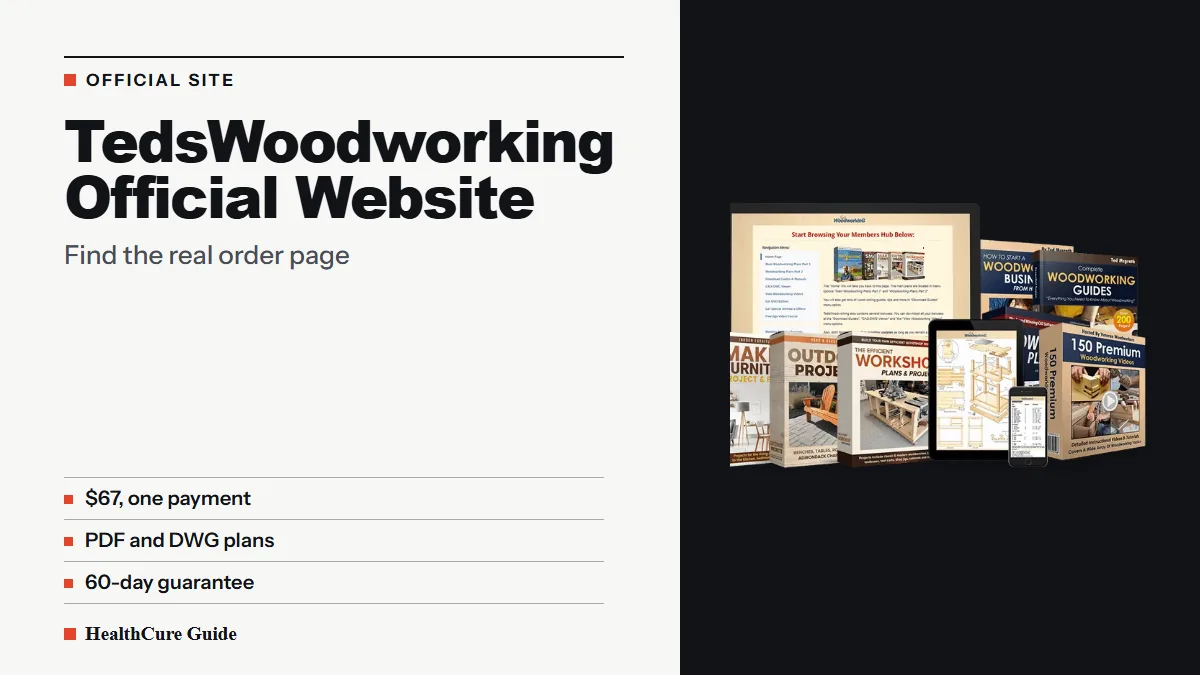
Looking for the Teds Woodworking official website? You are in the right place, and the short version is this: the seller publishes its pages on tedswoodworking.com, and a landing version of the same offer appears at tedplansdiy.com. Both lead to the same plan library. This page shows you how to recognise the genuine order page, what it contains, which copies to avoid and how the route from the seller to checkout works, so you can order with your eyes open.
Teds Woodworking official website: the two addresses
The seller uses two domains, and both belong to the same offer. The first is tedswoodworking.com, which hosts the main site, the support page and the members sign-in. The second is tedplansdiy.com, a plainer landing version that presents the same library and the same single payment. You can start from either. What you should not do is type a domain from a search ad or a forwarded message without checking the spelling first.
We are naming these addresses as plain text on purpose. Use them to navigate on your own, and rely on the spelling you see in the address bar.
Why does the address matter so much? Because most of the trouble around a digital product starts with the wrong page, not the right one. A copy can look almost identical to the original, with the same headline and the same plan photos, yet send the payment somewhere else. Typing the address yourself, or starting from our button, removes that risk before it starts. Bookmark the address once you have confirmed it, and reuse the bookmark rather than the search results.
What the genuine page shows you
When you reach the seller’s own page, expect to see the library described as a large collection of woodworking plans, with cut lists and materials lists, and the plans offered as PDF and DWG files. The page also lists the three bonuses, the one-payment offer and the 60-day money-back guarantee. A question-and-answer section covers the basics, and the seller links its support page from the site.
The offer is stated as $67 for lifetime access to the plan library (seller’s terms). The page also describes an optional DVD or USB copy at checkout. When you read the offer, look for the figure and the guarantee together. If either one is missing from a page that claims to be the seller’s, treat that page as suspect.
How to recognise a lookalike
Copies of popular digital products tend to share a few traits. They use a domain that is close to the real one but not identical, they show a different price from the one the seller lists, or they send you to a form that never names the seller. Some listings on marketplaces or file-sharing sites offer the plans for free, which is not how the genuine library is sold.
The fix is simple. Stay on the seller’s domains, use our button to reach the order page, and confirm the $67 figure and the guarantee before you enter any card details. A genuine checkout is handled through ClickBank, the retailer named on the seller’s pages.
What to do if a page looks different
Sometimes the page you reach will not match this description. The headline may be worded differently, the bonuses may sit in another order, or a checkout may ask for something you did not expect. Pages are edited, and an offer can be reshaped without notice. That does not mean the page is a copy, but it does mean you should slow down.
It helps to compare the page with a second visit, made from the bookmark rather than a search result. The two should look the same in the parts that matter. Compare three things before you go further: the domain in the address bar, the single-payment figure and the guarantee wording. If all three line up with what you have read here, continue. If one of them does not, stop, close the tab and reach the seller through the support page on its own domain. Ask about the difference before you enter any card details. A seller that is what it says it is will answer the question in writing.
Step by step to the order page
- Open the seller’s site by typing tedswoodworking.com or tedplansdiy.com, or use the button on this page.
- Read the offer. Confirm the figure, the library description and the guarantee.
- Open the support page and note the ticket form and the street address listed for the seller.
- Continue to the order step, which runs through ClickBank. Our where to buy guide explains each screen.
- Check the final total, including any tax, and save the confirmation email when it arrives.
Keeping your order safe
Once you have paid, a few habits protect you for the whole 60-day window. Keep the confirmation email in one place, and do not forward it to people who do not need it. Store the order number beside it. Log in to the members area from a device you trust, and do not share your sign-in details with anyone. If you ever receive a message that asks for your password or card number outside the seller’s own pages, ignore it and use the support page instead.
What to do after the order
Once the order clears, sign in to the members area on the seller’s site and open a plan. Confirm that the PDF opens in a free reader and that the DWG file opens with the bonus viewer. If something does not load, use the seller’s support page and include your order details, since the order record is what the support team will look for.
If you need to ask about the charge itself, ClickBank order support at clkbank.com is the second route. Keep both your order number and your confirmation email handy, because each route asks for them.
Why our button goes through ClickBank
Our buttons send you to a ClickBank address that leads to the seller’s order page. That keeps the checkout the same as the one the seller uses. We do not run a separate shop, and we do not take payment. The seller and ClickBank handle the order, the receipt and the refund route.
The same logic applies to our reading of the offer. We confirmed the $67 figure on 24 November 2026, and we describe the library from the seller’s pages. For a plain answer about whether the whole thing is genuine, our legit check takes the points one at a time.
Questions people ask before they click
Can you buy a single plan instead? The seller says plans are not sold individually, so the one order covers the whole library, the three bonuses and the guarantee.
Does the price change between visits? The seller’s page can show different content to different visitors, so the figure on the order page on the day you buy is the one that applies. If it reads something other than $67, stop and ask the seller before you pay.
Is the library worth the price? That depends on how many projects you plan to build. For a full look at the contents, our price breakdown sets out what the $67 covers, and the Teds Woodworking hub links every related page.
The short version
The official website is the seller’s own domain, and the order page is the one that carries the $67 offer and the guarantee. The official website page in the Teds Woodworking hub repeats these steps in catalog form. Start from the address you type yourself or from our button, read the offer before you pay, and keep your confirmation email. That covers nearly every mistake a careful buyer can make, and it is all it takes to reach the plan library safely.
Common questions
What is the Teds Woodworking official website?
The seller publishes its pages on tedswoodworking.com, and a landing version of the same offer sits at tedplansdiy.com. Both lead to the same seller and the same plan library.
Why do some sites sell Teds Woodworking plans?
Copies and resellers appear around popular digital products. Buy only through the seller's own order page, which runs through ClickBank, and not through a third-party listing.
Can I buy just one plan from the order page?
The seller says individual plans are not sold separately, so the order covers the whole library, along with the three bonuses and the 60-day guarantee.
What is the price on the official page?
The seller lists $67 as one payment for the plan library (seller's terms). Check the final total on the order page before you confirm.
Where do I get help after I buy?
Use the seller's support page with your order details. ClickBank order support at clkbank.com is the second route for an order question.