Energy Revolution System · Where to buy
Where to Buy Energy Revolution System: Official Order Steps
A step-by-step route to the genuine order page, what to check on it, how to spot copies that are not the real guide and what to keep after you pay.
- $39, one payment
- 60-day refund
- DIY & Home Projects

At a glance
- Refund window
- 60 days
- email the seller with your name and order number
- Price
- $39
- one payment at checkout
- Written by
- HealthCure Guide Editorial Team
- Published
- Reading time
- 6 min read
Placing an order for Energy Revolution System takes only minutes, yet the path you choose counts. The real guide is sold on the vendor’s official order page, and ClickBank handles the payment. Copies found elsewhere are a different product, and they come without the vendor’s refund terms. This page walks through the order one stage at a time, so you know what to expect.
Step 1: Start From a Button on This Site
Start from one of the buttons on this page or on our other Energy Revolution System pages. Each button opens the official order page with our tracking attached. Avoid typing an address from memory, and avoid links from forums, social posts or unsolicited messages.
Step 2: Check the Price Before You Pay
On the order page, the guide should read $39, as one payment. Read the whole page before you enter any details. If the total for the guide differs from $39, stop and check what you are looking at. Because the vendor treats extra upgrades as separate transactions, any line beyond the guide needs its own check.
Step 3: Read the Checkout Lines
Checkout may display extra products. Each one is a separate charge, so untick anything you did not plan to buy and confirm only the lines you want. Slow down here, because a hasty click can add a line you did not intend.
Step 4: Complete the Payment
Enter your details and pay. ClickBank runs the charge, and the vendor says the statement will read CLKBANK*EnerRevolution. That label means the charge belongs to this order. A different label calls for a call to your bank and a message to the vendor.
Step 5: Keep Your Confirmation
Save the ClickBank confirmation email right away. The order number and amount sit inside it, and a refund request needs both. Keep a copy in a folder you control rather than only in your inbox.
Step 6: Watch for the File Link
The PDF link follows by email once payment clears. Open it, save the file and read it with any PDF reader on a computer, tablet or phone. If nothing appears after a brief pause, look in spam or promotions before you reach out to anyone.
Step 7: Know the Refund Route
A 60-day refund guarantee applies. To request money back, write to [email protected] and include your full name, order number and the title Refund Request. The vendor handles requests promptly, and the amount then reaches your card across several working days. Please avoid opening a chargeback while the request is in progress. For order questions beyond refunds, ClickBank order support is available at clkbank.com.
Why Marketplaces and File Sites Are Not the Same
You may come across the guide on a marketplace, a file-sharing site or a page that offers it for nothing. We do not recommend any of those routes. Such copies are not the genuine guide, may be altered or incomplete, and carry no refund route from the vendor. Some ask for payment details on pages that have nothing to do with the real order.
Keep to the official order page reached through our buttons. A page that requests card details yet omits the $39 guide price and the ClickBank retailer is not the one to use.
What to Keep Open While You Order
Have your ClickBank confirmation email, your bank card and a PDF reader ready before you start. Check the local rules for the project you have in mind, and note the name of a licensed electrician or a permit office near you. Those notes cost nothing, and they will be useful the moment the file arrives.
Wiring and generator work brings fire and shock risks. Follow local codes and permits, use a licensed electrician for anything connected to home wiring, and do not place fuel-burning equipment indoors. The guide is reading material, and it does not change those rules.
A Short Checklist
- The order opened from a button on this site.
- The guide shows $39 as one payment.
- Every extra line is one you chose to buy.
- The card statement name matches CLKBANK*EnerRevolution.
- Your confirmation email is saved in a folder you control.
- You know the refund steps and the title to use, Refund Request.
Related Pages
For how to recognise the genuine page, see the official website page. The price page covers checkout details, and the FAQ gives short answers to the common questions.
Energy Revolution System Official Pricing
As listed on the official order page. One payment at checkout, with nothing mailed. Checkout may show your local currency plus tax.
Digital PDF guide
$39
one payment, per guide
- One digital PDF guide, nothing shipped
- Download link by email after payment
- Works on a PC, Mac, tablet or phone with a PDF reader
- Beginner Quick-Start Guide and materials list, per the seller
- 60-day money-back guarantee from the seller
Common questions
Where can I buy Energy Revolution System?
Only through the vendor's official order page, which the buttons on this site open. ClickBank is the retailer for the order.
Can I buy it on Amazon, eBay or a file site?
We do not recommend it. Copies on marketplaces or file-sharing sites are not the genuine guide, and they carry no refund route from the vendor.
What should I check on the order page?
That the price reads $39 as one payment for the guide, and that any extra items are shown as separate lines you can untick.
What will I see on my card statement?
According to the vendor, the statement name is CLKBANK*EnerRevolution.
What do I keep after I pay?
Your ClickBank confirmation email, which holds the order number and the amount. You will need it for any refund request.
How soon does the file link arrive?
The link is emailed after payment. Check your spam folder if it is not in your inbox after a short wait.
Other products in DIY & Home Projects
-
 My Shed Plans
: a digital library of shed plans with materials lists, cutting lists and step-by-step instructions, per the seller. $37 one payment and a 60-day money-back guarantee.
-
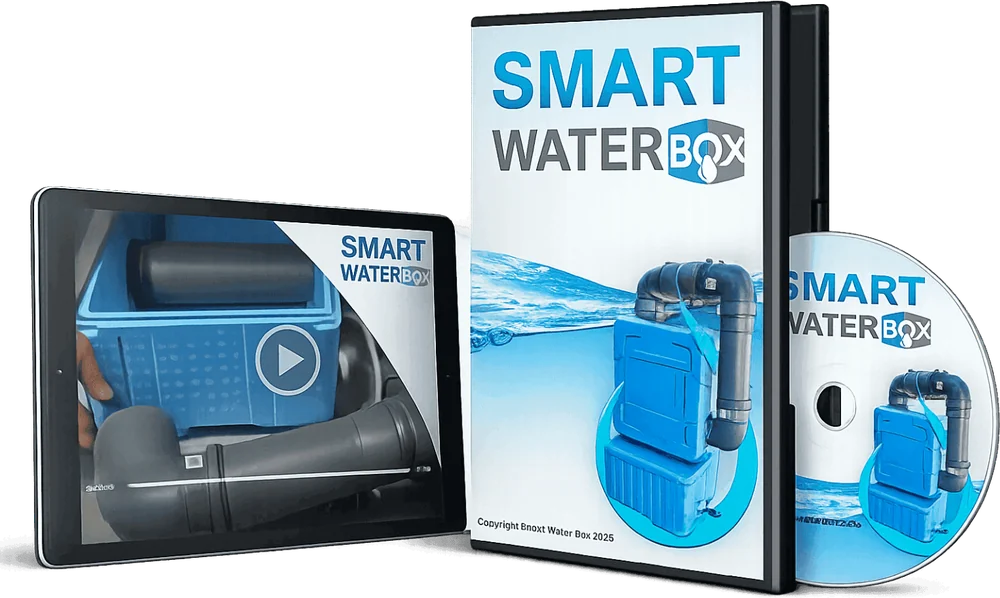 Smart Water Box
: a DIY water-from-air guide that the seller says shows how to build a small box for gathering water from humid air. Step-by-step, three bonuses mentioned, refund by email.
-
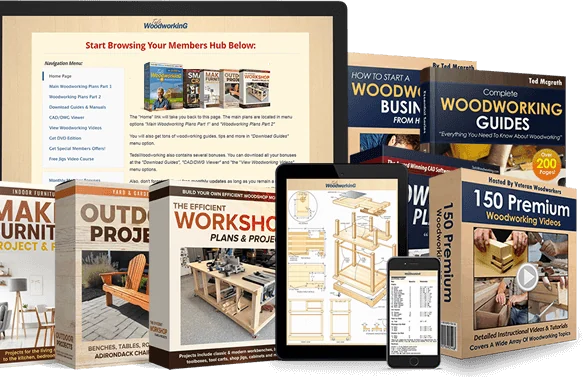 TedsWoodworking
 is an online library of woodworking plans with cut lists and materials lists, in PDF and DWG. The seller lists $67 as one payment, with a 60-day guarantee.
-
 Water Freedom System
A digital guide in PDF and video files that the seller says shows how to build a small home device for collecting water from humid air. $39.69 in one payment.