InstaDoodle Review: Monthly Plans, Features and Guarantee
A buyer-focused look at the doodle video app: what it makes, who it suits, what each monthly plan costs and the refund rule that matters most before you order.
- Written by
- HealthCure Guide Editorial Team
- Reviewed by
- HealthCure Guide Editorial Team
- Updated
- Reading time
- 7 min read
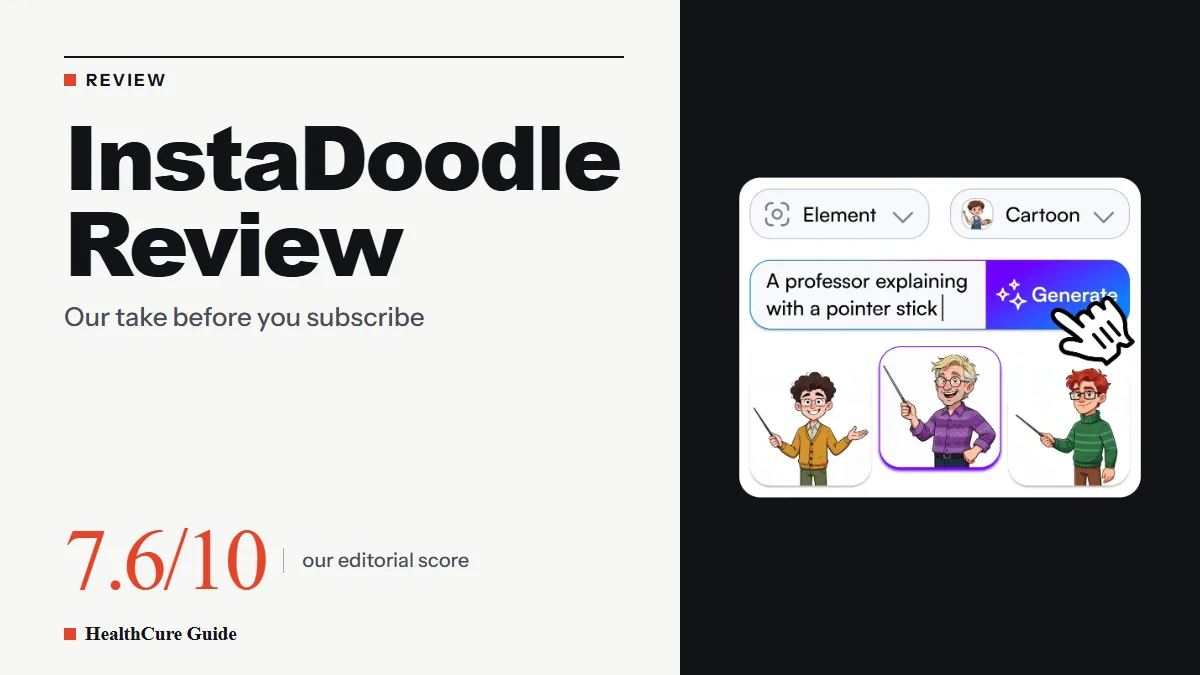
Imagine explaining a lesson on screen without drawing a single frame yourself: a sketched teacher, a pointer sliding along arrows, a steady voice guiding viewers from one idea to the next. InstaDoodle aims at exactly that kind of clip. In this review I cover what the software does, which buyers it serves, and what the monthly fees look like once billing and the refund terms are factored in.
Overall I came away impressed. A written idea turns into a whiteboard-style scene, and the monthly entry price is modest. Strengths and drawbacks both appear below, and a plan-by-plan rundown sits on our what is included page. Our InstaDoodle hub sits alongside it, and the safety notes on whether InstaDoodle is legit are worth reading before you order, with the price breakdown covering the figures.
What the app turns your ideas into
Everything runs on remote servers, so no program lands on your computer. Open a modern browser, sign in and the editor appears. Behind the scenes sits DoodleAI, the seller’s engine. Describe a scene in a line or two and it sketches the people, objects and backdrop that match your words. Have a picture you want redrawn in that style? The seller describes a feature that turns a photo into a sketch.
Then you position every element, pick how it enters and attach narration. A recorded voice or a generated one both work, and music can run underneath. Output comes out in 16:9, 9:16, 4:5 or square, so one project can serve a slide deck, a phone story or a feed post.
How a session feels from the first prompt
A session usually opens with a rough idea. You enter it, optionally start from a template, and wait while DoodleAI proposes characters. Next you drag each piece into place, choose an entrance style such as draw, wipe, slide, fade or pop-in, and tune the timing so speech lines up with the drawing. Export is the last step, and then the file is yours to download.
The seller lists more than a thousand ready-made doodle elements and fourteen-plus templates on the base plan. In practice that means less time hunting for a suitable icon and more time on the words. The editor is simple enough that a first clip is within reach in an afternoon, although a longer, finished explainer still rewards planning. Expect to write the script first, then build the scenes around it.
Most of the time you will spend goes to pacing. A scene that reads well on paper can feel rushed once a voice is laid over it, so play each section back and trim words until the drawing has room to finish. Keep one visual idea per scene, label the important elements clearly and reuse a character across several scenes so viewers stay oriented. Those habits matter more than any single setting, and they make the export look intentional instead of busy.
Who the app serves best
Four groups stand out. Teachers who want a recap clip after each lesson, trainers who need short onboarding videos, owners of small businesses who explain an offer in under a minute, and freelancers who build explainers for clients. Each of them wants the same result: a clean visual story without learning a full animation package.
If you need photographic footage or a long narrative film, this is not the right tool. It is built for diagrams, characters and spoken explanations. The seller adds that the tool handles any language, which suits a small team making clips for several markets.
The plans and what they add
The seller lists three monthly plans. Each one is billed monthly and keeps renewing until you end it, and the seller says ending it is up to you at any point. The table below uses the seller’s feature names.
| Plan | Cost per month | Highlights |
|---|---|---|
| Standard | $47 | 150 AI credits, DoodleAI, a built-in editor that can strip backgrounds, 1080p, 6 animation types, 14+ templates, 8 drawing hands |
| Pro | $67 | 3,000+ PRO doodle elements and characters, PRO AI styles, 2K and 4K export, custom font upload, commercial license, VIP support and a music-track bonus |
| Agency | $127 | Everything in Pro, AI Wizard script generator, InMotion for your own footage, AI Voices in 6 voices and 30+ languages |
My reading of the table is simple. Standard suits a single creator who makes a few clips a month. Pro is the middle choice for anyone who wants higher-resolution export and the commercial license. Agency makes sense when the script, your own footage and multilingual narration all live in one project. The official page lists monthly plans from $47 a month; the order page shows the exact plan and price before you pay, so confirm the figure there before you commit.
The guarantee and the credits rule
Protection comes in the form of a 60-day money-back guarantee, and I consider it the most persuasive point in the whole offer. The rule to read first is the credits limit. Once you have used more than half of the AI credits bundled with your plan, a refund is off the table. On Standard, that means spending past 75 of the 150 credits closes the door, so pace your generations while a request is open.
To request money back, write to the help desk at help.instadoodle.com and label the ticket as a refund request. Give the email tied to your account, the day you bought and your order number. The seller states that approved refunds are processed within seven calendar days once it has what it needs. A refund closes your access and any benefits you have not used. Stopping a subscription is a different action from requesting a refund, and renewal charges carry no new guarantee. Store your confirmation email somewhere easy to reach. Our money-back guarantee post walks through the same ground in more depth.
Where InstaDoodle sits against your own goals
Ask three questions before you order. Do you want to make one clip a month or several a week? Do you need to publish the videos for a client, which points at Pro or Agency? And are you comfortable working inside a credits budget? If the answers describe short, frequent explainers built around a clear idea, the app fits well. If you need a high volume of footage or a full film studio, look elsewhere.
Recurring charges are the other thing to plan around. Because the plan renews each month, mark the renewal date on your calendar and choose in advance which tier you will keep after month one. A sensible first week looks like this: build one short clip from a script you already wrote, export it in the shape you need, and check the credit counter before you start a second project. That routine keeps the refund window in view while you learn the editor.
InstaDoodle review: our verdict at 7.6 out of 10
Our editorial score is 7.6 out of 10, a figure we set ourselves rather than one the seller provides. It rests on a handful of traits: a working cloud product, a clear feature list, a published refund policy, a help desk that accepts tickets and a monthly entry price of $47. DoodleAI converts a short prompt into characters you can actually use, and the animation choices keep scenes lively without much effort.
The score comes down for three reasons: monthly billing that keeps renewing, a refund window that closes after heavy credit use, and a commercial license limited to certain plans. None of these is a dealbreaker for every buyer, but each one shapes whether the app works for you, so weigh them before you pay.
My verdict is a positive recommendation for the right buyer: someone who explains ideas on screen, works in short bursts and reads the credits rule before the first generation. For that person, a quick editor, a large element library and a 60-day guarantee make a strong case. For the price, the safety notes and the order steps in one spot, our InstaDoodle hub is the place to go.
Good to know: your prompts, uploads and finished projects pass through the seller’s systems and third-party AI services. Only send material you hold the rights to, and review every generated output before it goes public. The seller also notes that generated output may not qualify for exclusive copyright protection.
Common questions
What is InstaDoodle?
It is a cloud web app for making whiteboard-style doodle videos. You describe a scene, the DoodleAI engine draws the characters and elements, and you add animation, voiceover and music before exporting.
How much does InstaDoodle cost?
The seller lists three monthly plans: Standard at $47 a month, Pro at $67 a month and Agency at $127 a month. The order page shows the exact plan and price before you pay.
Do I have to install anything?
No. The seller describes it as a cloud web app that runs in a modern browser, so there is no download and no installation step.
Is there a money-back guarantee?
Yes, a 60-day money-back guarantee. A refund is not available if more than half of the included AI credits have been used, so read that rule before you start generating scenes.
Can I use the videos commercially?
The seller lists a commercial license on the Pro and Agency plans. On Standard, check the plan terms before you publish client work.
Who is InstaDoodle best for?
Teachers, trainers, small-business owners and explainer makers who want a monthly cloud tool and can work within the AI credit rules.