The official page lists monthly plans from $47 a month; the order page shows the exact plan and price before you pay
InstaDoodle
Order nowInstaDoodle · from $47 a month · 60-day guarantee
InstaDoodle Price Nov 2026: From $47/Month, Legit
A cloud app for doodle-style explainer videos, sold on three monthly plans. Here is what each plan includes, how the guarantee works and how to order from the official page.
- Type a scene idea and let DoodleAI draw the characters
- Add voiceover and background music, or record your own narration
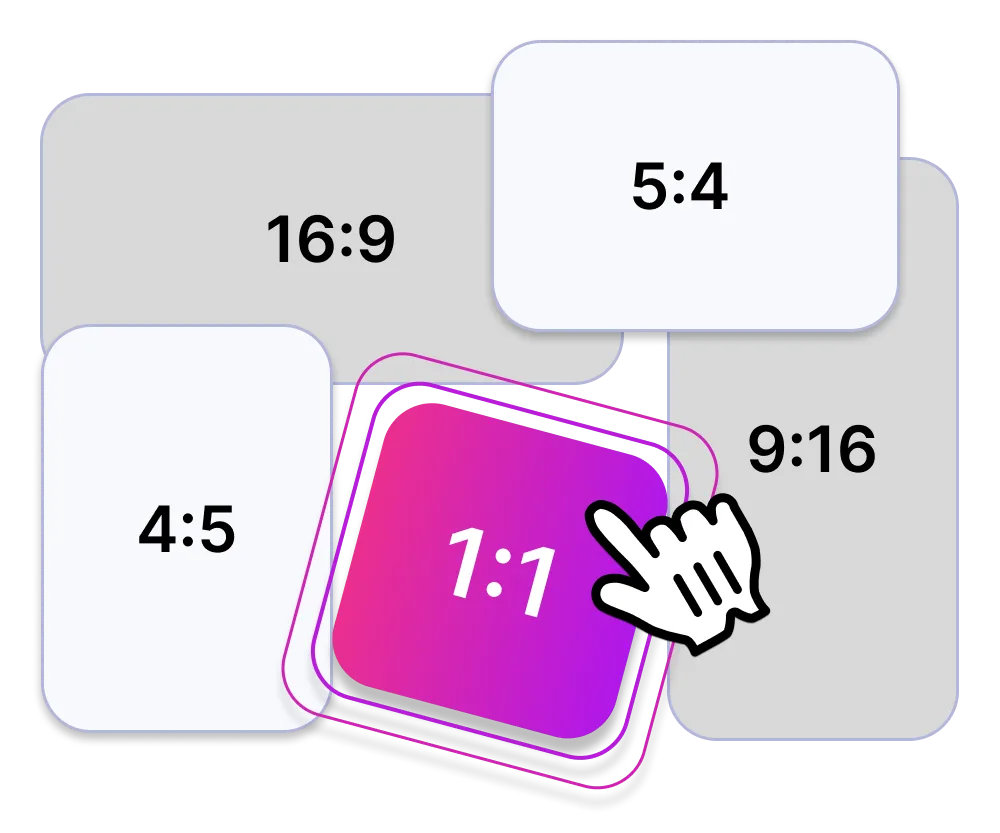
- Export for 16:9, 9:16, 4:5 and square formats
- Monthly plans from $47 a month, with the subscription renewing until you cancel
- A 60-day money-back guarantee, with a credits limit written into the policy
7.6/10 our editorial score individual results vary
- 60-day money-back guarantee
Seals as shown on the official InstaDoodle website.
- Written by
- HealthCure Guide Editorial Team
- Last updated
- Prices checked
Picture an explainer video where the characters appear sketch by sketch while a calm narrator walks the viewer through the idea. That is the look InstaDoodle is built around. You describe the scene in plain words, the app draws the people, objects and backgrounds for you, and you add the voice and music that bring the whole thing to life. For teachers, trainers, small business owners and anyone who has ever wished they could explain something visually without learning an animation program, that is a very appealing way to work.
There is no download here. InstaDoodle runs in a browser tab, so setup amounts to signing in and opening a blank scene. The sections below cover what the app does, what each monthly tier holds, how the refund promise is limited and where to buy with confidence.
Our 30-second take on InstaDoodle
7.6/10
Editorial score, not a customer rating. How we score
If you want to turn a plain idea into a doodle-style explainer without drawing every frame yourself, InstaDoodle is worth a close look. Standard starts at $47 a month, Pro at $67 and Agency at $127, and the seller says you can cancel at any time. Read the credits rule in the guarantee, then confirm the plan and price on the order page.
Why buyers choose it
- Nothing to install: it is a cloud web app that runs in a modern browser, as the seller describes it
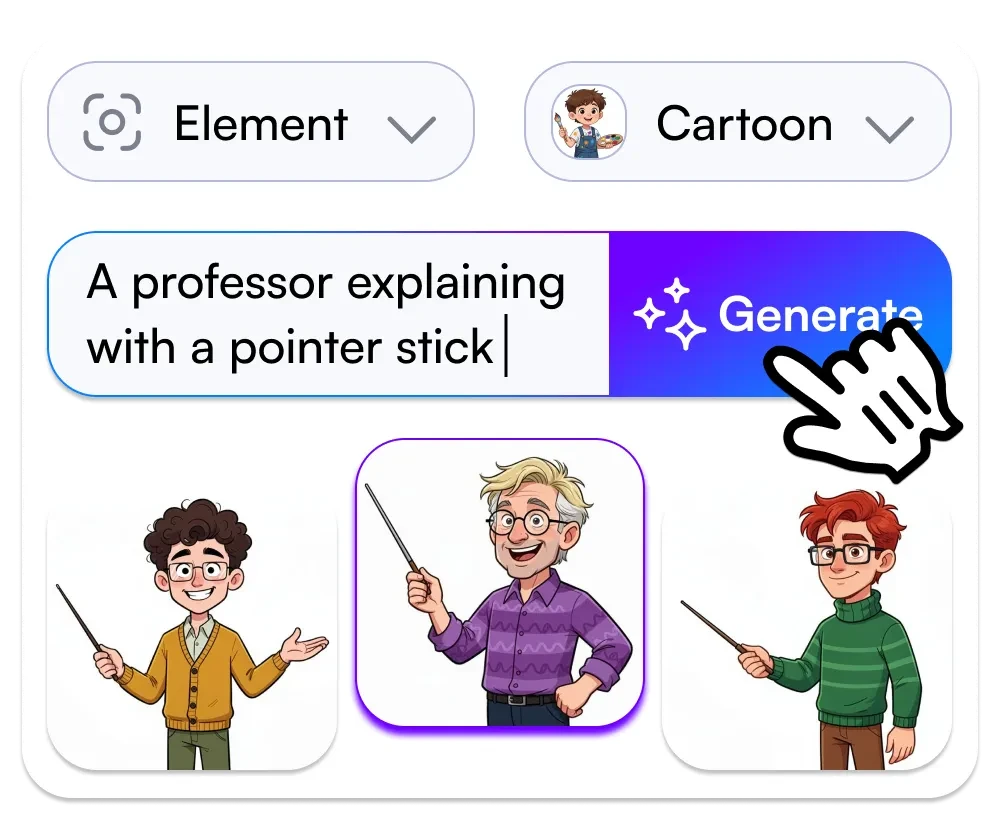
- DoodleAI draws characters, elements and backgrounds from a text prompt, and the seller lists a photo-to-doodle option too
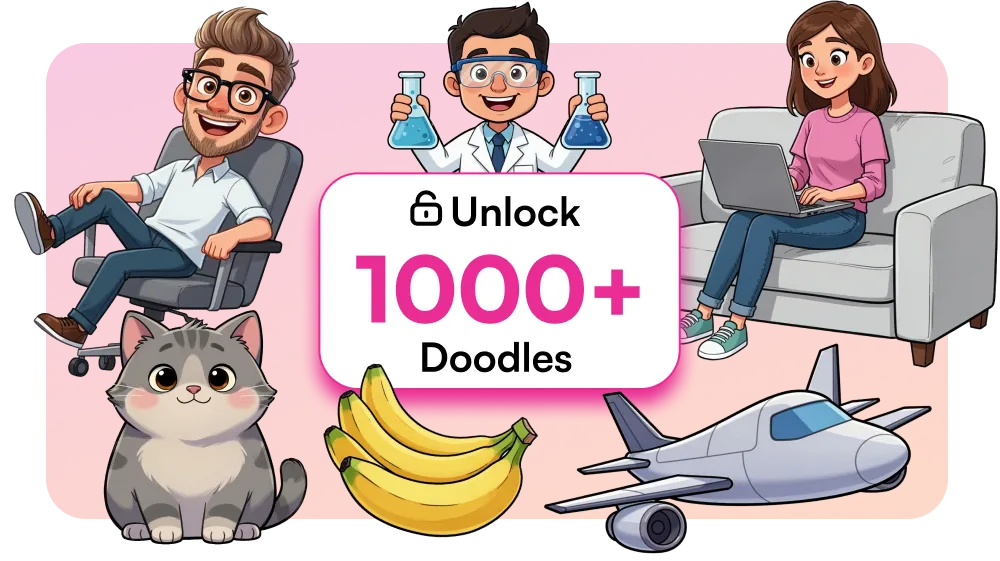
- Standard covers the core editor, 150 AI credits and more than a thousand built-in doodle elements, per the seller
- Pro adds the music-track bonus, 2K and 4K export, custom font upload and a commercial license, as that plan lists them
- A published refund policy, a help desk for tickets and a 60-day money-back guarantee
Best for
Teachers, trainers, small-business owners and explainer makers who want a cloud-based doodle video tool on a monthly plan and can work within the AI credit rules.
At a glance
- Lowest price
- $47 per month (Standard)
- Guarantee
- 60-day money-back guarantee from the seller; not available if more than half of the included AI credits are used
InstaDoodle at a glance
| What you want to know | The short answer |
|---|---|
| What it is | A browser-based doodle video app for explainer, training and how-to videos |
| The engine | DoodleAI, a prompt-driven engine that draws people, props and scenery (the seller’s description) |
| Where it runs | Browser-based, on a Mac, a Windows PC or any current device |
| Tiers | Standard at $47, Pro at $67, Agency at $127, all billed monthly |
| Billing | Monthly, renewing until you cancel |
| Refund promise | Sixty days, capped by how many credits you have used |
| Versions | The seller says it does not offer free versions |
Why a doodle video tool is worth a look
Some ideas are hard to explain with words alone. A new process at work, a safety routine, a product walkthrough or a lesson that loses people after two sentences: each one lands better when a simple drawing moves across the screen while someone talks. Doodle-style videos do that job well, and the friendly look many viewers find easy to follow.
The obstacle is production. Hand-drawn whiteboard animation asks for drawing talent, a timeline editor and patience with frame-by-frame work. The people who need these videos are often not illustrators, and they should not have to become one. InstaDoodle was built to close that gap. The seller points to staff training, new-hire onboarding, explainers, instructional clips and classroom material, and the app organises work into scenes and templates instead of an empty canvas.
The approach is simple to describe. You type what the scene should show. DoodleAI proposes the characters and elements, you arrange them, and you choose how they animate and how they sound. The whole project lives in the cloud, so you can pick it up on another device without moving files around.
How a scene comes together
Here is the workflow the seller describes, written out as steps you will recognise:
- Describe the scene. Write one sentence about the moment you want on screen, for instance a teacher tapping a bar chart or a shop owner boxing an order.
- Let DoodleAI draw the cast. The engine builds characters, props and backgrounds in a doodle style, and you can pick from six AI styles.
- Arrange the frame. Move, scale and stack the elements until the composition feels right to you.
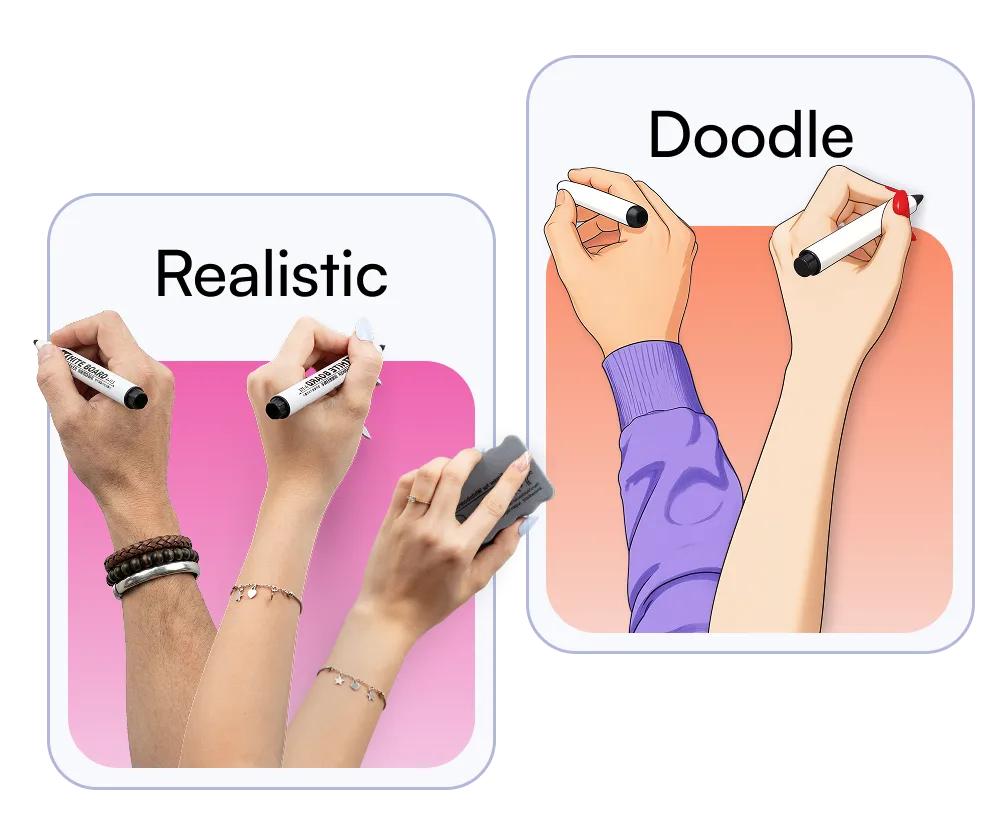
- Choose the drawing hand. Pick from the available hands, eight on Standard, so the drawing feels like it is being made on screen.
- Animate it. Assign each element an entrance from the menu of motions, then link scenes with slide transitions.
- Add the voice and the music. Generate a voiceover in the app or record your own, then add background music.
- Export for each destination. A 16:9 frame suits a website, 9:16 suits a phone screen, 4:5 suits a feed and square works for social posts.
Rendering happens in the cloud, so your computer does not have to do the heavy lifting while the video builds.
What the three monthly plans include
Three tiers sit on the official site, each stacked on the one before, and every tier is charged monthly.
- Standard, $47 a month. The entry tier bundles 150 AI credits and DoodleAI with an editor that removes backgrounds, a photo-to-sketch option, 1080p HD output, 6 animation types, 6 AI styles, 14+ templates, 8 drawing hands and over a thousand stock doodle pieces. Slide transitions and any-language support come along, according to the seller.
- Pro, $67 a month. Take everything above and add 3,000+ PRO doodle elements and characters, eight further hands, PRO AI styles, 20 pro fonts, custom pro backgrounds, 4x variations per element and a quicker priority queue for AI jobs. Export reaches 2K and 4K, you can upload custom fonts, a commercial license comes with the tier, VIP support is included and the 20 Background Music Tracks bonus rides along.
- Agency, $127 a month. Pro plus AI Wizard, which writes scripts and builds projects automatically, InMotion, which accepts your own footage and adds transitions and 1,000+ animated elements, and AI Voices offering 6 voices across 30+ languages.
The official page lists monthly plans from $47 a month; the order page shows the exact plan and price before you pay. Billing recurs every month until you stop it, and the seller says cancellation is available whenever you want it.
Who it suits
Teachers and trainers who want a lesson or onboarding clip that explains a process with a friendly drawn look. The voiceover and the templates help you move quickly from outline to finished video.
Small business owners who need short product walkthroughs, service explainers or staff training without hiring an animator. Standard covers the basics, and Agency adds the scripting and voice tools for heavier output.
Explainer makers and course creators who publish regularly and want a steady stream of doodle-style scenes. Pro adds the commercial license and the higher export settings, which matter if the videos go onto a paid course or a client site.
Anyone exploring the format who wants to see whether doodle video suits their message before committing to a bigger workflow. A monthly plan keeps the first step small, though you should confirm the plan and terms on the order page.
It is a weaker fit if you need something without a subscription, given that the seller says it does not offer free versions, or if you intend to resell the platform, which the seller prohibits.
The 60-day guarantee, explained plainly
A 60-day money-back guarantee, with one credits rule
The seller offers a 60-day money-back guarantee, and the boundary is worth reading before checkout. Once more than half of the credits bundled with your plan are spent, the refund option closes. On Standard, which bundles 150 credits, crossing 75 ends eligibility, so pausing generation during a review is the smart move.
A request starts with a ticket on the seller’s help desk, help.instadoodle.com, titled Refund Request. Put your account email, the date you paid and the order reference in the message. The seller states that eligible refunds go out within seven calendar days after it holds what it needs. Ending access and refunding are two different actions, and a refund removes unused benefits too. Renewal charges carry no fresh promise, and your confirmation email is the document to keep.
Where the app shines, and where to be careful
Doodle video tools reward good scripts. Plan each scene in a sentence or two before you open the editor, and the DoodleAI results will be easier to steer. The 14+ templates give you a head start when you do not know where to begin.
Two details need attention before publication. Under the seller’s terms, prompts and files travel through the seller’s systems and the AI services it relies on, so send only material you are entitled to use. Also, generated work may fall short of exclusive copyright coverage, which is a reason to inspect every frame and sound clip first. The safety page expands on both.
Your next steps
If the workflow above fits your videos, compare the tiers and then read the order page closely. The price page goes through the numbers, the where-to-buy page shows how to reach the real order flow, and the official website page describes what the seller’s own site presents.
Pages in this guide
| Question | Page |
|---|---|
| Our full review and editorial score | Review |
| What each plan includes, feature by feature | What’s included |
| What the app helps you do | Benefits |
| AI output, uploads and billing | Safety |
| Plan prices and the bonus | Price |
| Quick answers to common questions | FAQ |
| The three plans side by side | Comparison |
| Where to order safely | Where to buy |
| What the seller’s own site shows | Official website |
InstaDoodle FAQ
What is InstaDoodle, in one sentence?
A browser-based app that turns your text prompts into hand-drawn style characters and scenes, which you then animate with voiceover and music to make doodle-style explainer videos.
How much does InstaDoodle cost?
The official page lists monthly plans from $47 a month: Standard at $47, Pro at $67 and Agency at $127. The order page shows the exact plan and price before you pay, and the subscription renews until you cancel.
Is InstaDoodle legit?
It is a working cloud app with a help desk, published terms and a published refund policy. Order only from the official page, and check the plan and price on the order page before you confirm.
Can I start without a monthly plan?
The seller says it does not offer free versions, so every route starts with one of the monthly plans.
How does the 60-day money-back guarantee work?
The seller offers a 60-day money-back guarantee, with one limit: a refund is not available if more than half of the included AI credits have been used. On Standard, with 150 credits, using more than 75 ends eligibility, so stop using credits while a request is reviewed.
Can I use my videos commercially?
It depends on the plan. The seller lists a commercial license on Pro and Agency. Standard buyers should check the plan terms, and you may not resell access to the platform itself.
Does it need a download?
No. InstaDoodle is a cloud web app, so there is nothing to install. You work in a modern browser on Mac, Windows or any device that runs one.