InstaDoodle Price: Monthly Plans From $47, Plan by Plan
Three monthly figures, one clear comparison. This page sets out what each InstaDoodle plan costs, what it adds, which maker it suits and how the refund rule changes the numbers.
- Written by
- HealthCure Guide Editorial Team
- Reviewed by
- HealthCure Guide Editorial Team
- Updated
- Reading time
- 7 min read
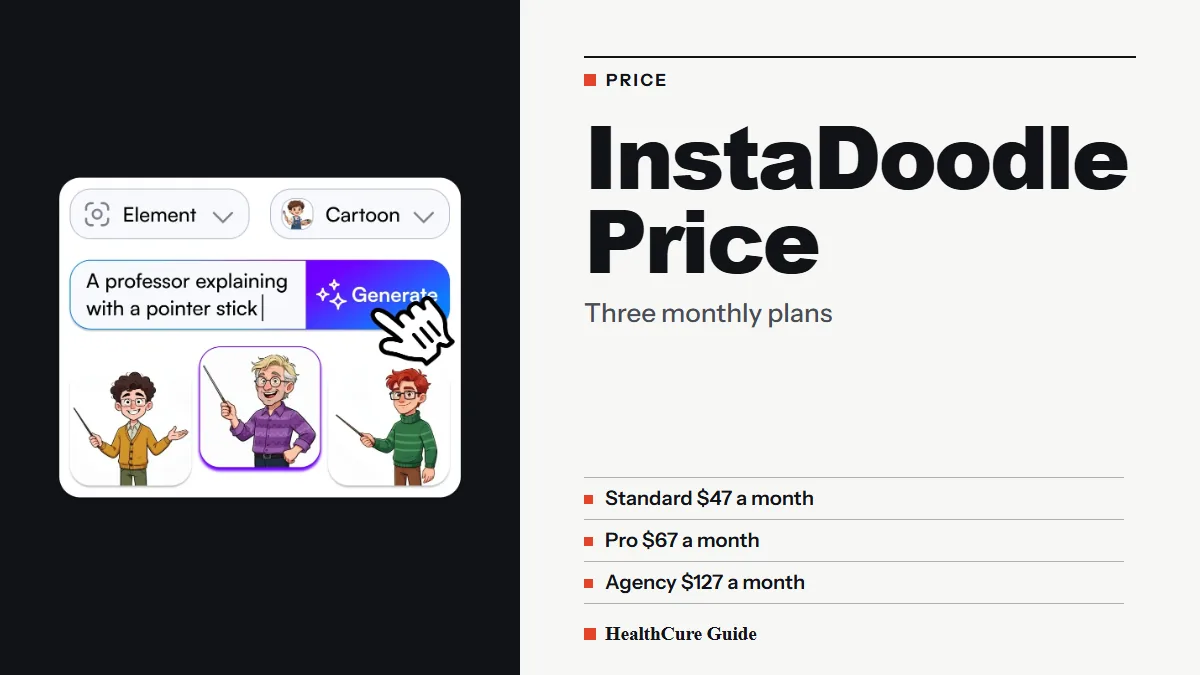
The InstaDoodle price question comes down to three numbers, each one a monthly figure. Standard is $47, Pro is $67 and Agency is $127. The useful part of the comparison is what each step contributes, who actually needs it, and how the refund rule shifts the math during the opening weeks. This page works through all three, so you can land on the figure that matches the clips you plan to make.
Every number here is taken from the seller’s listing. Nothing has been added for tax, fees or extras, and wherever the checkout might show something different, we flag it.
InstaDoodle price by plan
The table below shows each plan, the maker it suits and the step it adds over the one before it.
| Plan | Per month | Who it suits | What it adds |
|---|---|---|---|
| Standard | $47 | A solo creator with a steady stream of short explainers | 150 AI credits, the DoodleAI engine, the core editor, 1080p output, 6 animation types, 14+ templates and 8 drawing hands |
| Pro | $67 | Makers who publish for clients or want sharper exports | 3,000+ PRO doodle elements and characters, PRO AI styles, 2K and 4K export, custom font upload, the commercial license, VIP support and a music bonus |
| Agency | $127 | Teams that script, record and publish in one place | Everything in Pro, plus AI Wizard for scripts and project setup, InMotion for your own footage, and AI Voices in 6 voices and 30+ languages |
The official page lists monthly plans from $47 a month; the order page shows the exact plan and price before you pay. Read that line as the rule for the whole comparison. The table mirrors the listing, and the order page is where the final figure gets confirmed.
Which plan fits which maker
Standard is the sensible starting point for a single person. If you make one or two clips a week, the base set covers the job: DoodleAI drafts the characters, the editor handles the scene order and the export formats cover presentations, phones and feeds. You do not need PRO elements to explain a process clearly, so there is no reason to pay for them early.
Pro earns its place once your work leaves your own screen. Higher-resolution export, the commercial license and the custom font option matter once a client is paying for the video. Commercial use is listed on Pro, which makes it the natural home for client work, with Agency as the other option that carries it.
Agency at $127 is a fit for a small team that keeps scripts, footage and narration in one project. AI Wizard generates a script and sets up a project automatically, and InMotion lets you bring in your own videos. If you only need a voiceover, the price gap over Pro is hard to justify. If you produce a steady flow of multilingual explainers, it can make more sense.
The music bonus under Pro
Under Pro you also receive a music pack that the seller calls 20 Background Music Tracks. It is simple, practical and easy to put to use. Music sits under the narration, sets the pace of a scene and gives a short explainer a finished feel. Here is the cover the seller shows for the bundle.
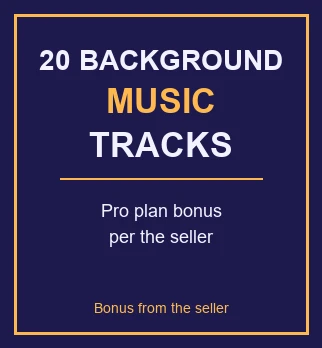
The bonus belongs to Pro, so Standard buyers should check whether they need it before they choose. We do not describe any other bonus on this page, because the seller’s wording for others is not something we can stand behind.
The guarantee and the credits rule
A recurring fee feels lighter when the exit is clear, and the seller backs the purchase with a 60-day money-back guarantee. The limit that matters is the credits rule: once more than half of the AI credits bundled with your plan are spent, a refund is off the table. On Standard that line sits at 75 of 150 credits, and a plan with a larger allowance moves the line further out.
Should you want money back, write to the help desk at help.instadoodle.com and label the request Refund Request. Mention the address tied to your account, the day you paid and the order number. The seller states that a qualifying refund is processed within seven calendar days after it gathers what it needs. Save the confirmation message, and remember that ending a subscription is a separate action from asking for a refund. Our money-back guarantee post goes through the steps again with more detail.
What the first month really costs
Your first month costs whichever plan you pick, plus whatever the checkout adds. Beyond that, the cost is set by how fast you use your credits. A reasonable plan is to build one clip, note how many credits it used and project forward from there. If your usage would cross the halfway point early, a higher plan with a bigger allowance may be the better choice than burning through a smaller one and losing the guarantee.
Renewals follow the same rhythm. Mark the date in your calendar, and review the plan each month. Because the subscription renews until you end it, the first renewal is the moment to ask whether you still need the tier you chose.
A practical habit helps here. After each clip, write down the credits it consumed, the number of scenes and the export format. Over four or five projects you will have a rough average, and that average tells you far more about the right plan than any sales figure. If the average keeps pointing past the halfway mark before the month ends, a bigger allowance may be the cheaper route, even at a higher monthly price. If it stays low, Standard is probably enough and the extra tiers are money you do not need to spend.
Checking the figure on the order page
Before you confirm anything, walk through the order page in a fixed order. Start with the plan name, and make sure it matches the one you picked from our table. Next, read the amount beside it and check that it is labelled per month. Then read the renewal wording, which should say the subscription continues until you end it. Look at the total for any tax or currency line, since a currency line can shift the figure a little depending on where you live.
Last, look for the guarantee wording and the help desk route, then save the confirmation as soon as it arrives. If anything on the page differs from what this guide describes, pause and compare it with the seller’s own site before you go further. A two-minute check at this stage is cheaper than sorting out a surprise on the next statement.
Price against the value of the work
Pricing is easier to weigh once you know how many hours each clip really takes. A simple explainer built by hand takes time for drawing, timing and export. A tool like this trades some of that time for a monthly fee, and the trade is only worth it if you produce enough clips to make the fee earn its place. That depends on your own schedule, not a promise about results, so run the numbers against your real output.
Think about it in terms of clips per month. If Standard covers the clips you make, the $47 figure is the whole cost. If your clients need the commercial license or the 2K and 4K export, the Pro step is the honest cost. If a single person would never use the script generator, the Agency figure is extra money with little return.
Questions to settle before you order
Three things are worth settling before the checkout screen appears. Which plan covers your first project? Do you need the commercial license right away? And will you track your AI credits from day one? Answering those three questions makes the price feel concrete rather than abstract.
If you are still comparing, read the full InstaDoodle review for the feature details and the InstaDoodle hub for the rest of our notes, then come back to the table above. The figures stay the same, and the choice becomes a matter of matching the plan to the work.
Good to know: our InstaDoodle guide lists every plan beside the order steps; the seller says it does not offer free versions, so plan for a monthly fee from the first order. For the full plan-by-plan breakdown, see our price page. For ordering steps, see where to buy InstaDoodle.
Common questions
How much does InstaDoodle cost?
The seller lists three monthly plans: Standard at $47 a month, Pro at $67 a month and Agency at $127 a month.
Is InstaDoodle billed every month?
Yes. Each plan is a monthly subscription that renews until you end it, and the seller says you can stop it whenever you choose.
Which plan should I pick first?
Standard suits one creator making a few clips a month. Pro adds higher-resolution export and the commercial license, and Agency adds the script and multilingual voice tools.
What bonus comes with the Pro plan?
The seller lists 20 Background Music Tracks under the Pro plan. Background music is the only bonus we describe on this page.
Does the guarantee still apply after I start creating?
Yes, while the refund rule allows it. A refund is not available once more than half of the included AI credits have been used, so track your credit use from the first day.
Is there a free version?
The seller says it does not offer free versions, so budget for a monthly charge from the start.