Smart Water Box Official Website: Get to the Genuine Order Page
A step-by-step route to the seller's stated pages, what the front page leaves unstated, how to recognise a copy and how to reach support in writing.
- Written by
- HealthCure Guide Editorial Team
- Reviewed by
- HealthCure Guide Editorial Team
- Updated
- Reading time
- 7 min read
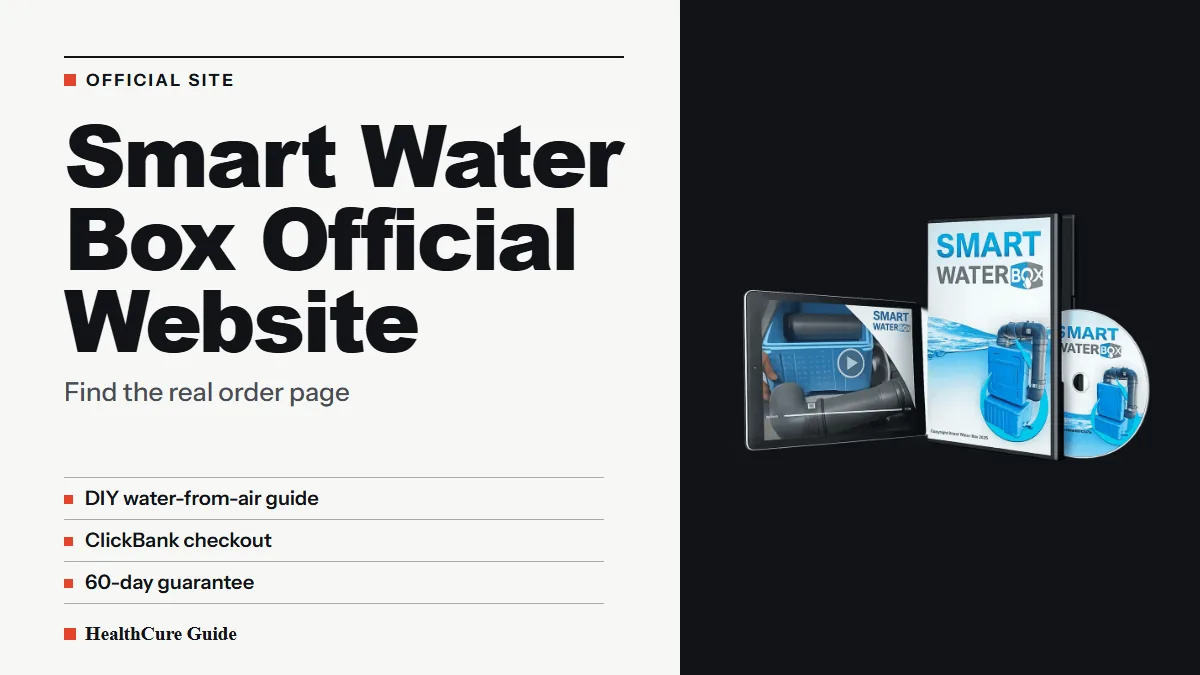
Finding the Smart Water Box official website is the first real step for anyone who wants to order, and it is also the step where copies aim to catch people out. The route is short. Go to the seller’s stated domain, read what its pages show and what they leave out, and finish on the order screen. This post walks through that route one step at a time.
Smart Water Box Official Website: Step by Step
Step one: type the address. The seller’s site sits at watersmartbox.com. Enter it yourself, or follow a button on a page you already trust. Avoid following links from unsolicited messages, and be wary of paid search results that promise a larger reduction or an exclusive copy, since those often end on pages that imitate the real thing.
Step two: check the domain. Once the page loads, read the address bar before you read anything else. The domain should match watersmartbox.com exactly. A slightly altered spelling, an extra word or an unfamiliar ending is your signal to stop and return to the address above.
Step three: read the front page with care. The front page carries a headline, a handful of claims and some buttons. It does not show a price, and it does not list what the guide holds. The format is not stated either, so the front page cannot tell you whether the material is a file or a physical item.
Step four: reach the order screen. The buttons on the front page lead to the order screen. That is where you see the figure. See the current price on the official order page, and compare it with the total at checkout. Our price post lists the points to check there.
Step five: write to support if you need to. Use the support address on the seller’s contact page for questions and refund requests. Keep copies of your messages, and note the date you wrote.
What the Front Page Does Not Settle
The front page leaves several questions open, and it is better to know them before you arrive. The publisher’s pages do not confirm the parts, the build steps or the output of a build. They do not show a figure you can reproduce here, and they do not stand in for a regulated source of drinking water.
For those points, read the order screen, check the rules with your local authority and treat any collected water as unverified until a professional adviser weighs in. Water made by any home device should be treated or tested before drinking, and the amount a build produces depends on humidity and temperature.
Spotting Copies and Lookalikes
Copies tend to share a few traits. They use a domain close to the real one, they show a number that differs from the order screen and they promise a file or a bonus at no cost. Some copy the seller’s wording, and some add pressure that the genuine pages do not apply. Any one of these traits does not prove a page is fake, but together they justify a pause.
A useful habit is to compare the page in front of you with the address you typed. If the two differ, leave and start again from a button you trust. Pages that ask for payment details before any order screen has appeared deserve the same caution. Our legit checklist explains the same signs in a different order, and the where to buy post sets out the order route in full. The official website page on our site covers the same route in shorter form.
Why the Official Route Matters
The route you take shapes everything after the purchase. An order placed through the seller’s stated pages runs through ClickBank, which keeps the order record and offers its own support. A refund claim is easier to make when the order details match the publisher’s pages, because the seller can look up the same reference you were shown. A copy page may collect details without giving you any of that.
That is why we keep the seller’s stated domain as the first and last stop. It is the one place where the figure, the format wording and the refund path can be read together. This is also why we describe the route in order, rather than as a list of tricks to spot.
What to Record Before You Leave the Site
Before you close the order screen, capture the details you will need later. Note the product name, the amount shown, the payment terms, the format line and the refund terms. Take a screenshot if the page allows it, and copy the support address into a note on your phone. These records do not replace the confirmation email, but they show exactly what you saw when you chose to continue.
If the checkout later shows something different, you will have a dated record to compare against. Write to the seller in complete sentences, quote the reference number and attach the screenshot. A short, polite request is easier to answer when it comes with clear records.
Questions to Ask Support
If the order screen leaves a gap, ask the seller in writing before you pay. Good questions are specific: which format the material uses, which parts and contents it lists, what the payment terms say, and how a refund claim should be sent. Keep each answer, and check it against the order screen on the day you plan to buy.
A vague worry is hard to resolve, but a precise question usually gets a precise answer, or at least a clear sign that the answer is missing. Either outcome helps you choose your next step. Our product hub lists the other questions readers raise. Ask, too, whether the seller can point you to the exact page where a term appears, so you can read it in context rather than trusting a summary.
Water, Wiring and Local Rules
If the material you receive includes powered parts, read those steps slowly and hold off on any work until you are certain of each one. A guide can describe a process, but it cannot check your wiring or your local code for you. Electrical safety should guide every step, and mains connections belong with a trained professional.
Local rules matter too. The seller itself warns that some home alterations may be against the law where you live, and that warning deserves respect. Check with your local authority before you change pipework, roofing or the electrical supply. Note which office you asked, and what it told you, since a written note beats memory if a question comes up later.
Pages Beside the Front Page
The front page is not the only page on the seller’s site. Our reading found pages on refunds, contact details, terms and a disclaimer. Each one answers a different question. The refund page explains the request route, the contact page gives the support address, the terms page sets out the general conditions and the disclaimer page carries the seller’s stated warnings about the device. Read all four before you order, rather than relying on the front page alone.
The pages are short and worth the time. A few minutes spent on them can spare you a misunderstanding later, and they show what the seller is actually committing to in writing. Lookalike pages also tend to skip the disclaimer or paste it without the seller’s wording, so if a page lacks the experiment line and the refund path, treat that absence as a reason to check the domain again.
Official Website Checklist
- Type watersmartbox.com yourself, or follow a button you trust.
- Confirm the address matches the domain exactly.
- Expect the front page to leave the figure, the contents and the format unstated.
- Read the refund terms and the disclaimer before you order.
- Write to the support address in complete sentences, and keep copies.
- Follow local rules, treat collected water before drinking and plan around the weather.
Back to the Hub
The official route is the right place to start, but it is not the whole story. Our product hub gathers the reviews, the price notes and the comparison pages in one place, so you can read the open questions before you commit.
For a fuller picture of the offer, read our review of the seller’s material with the order screen open in another tab, and compare each line as you go.
Questions Readers Ask About the Route
What is the official website?
The seller's site is watersmartbox.com. Type that address yourself, or use a button on a page you already trust, instead of following a link from an unexpected email.
What does the official site show?
A headline, some claims and a set of buttons. The front page shows no price and no contents list, and it does not state the format, so the order screen carries those details.
How do I recognise a copy?
Watch for a domain close to the real one, a figure that differs from the order screen, or a promise of a file for nothing. The genuine route runs through the seller's stated domain.
Where do I send questions?
Use the support address on the seller's contact page, and keep copies of what you send and receive. ClickBank order support covers order-level problems.
Does the official site confirm how much water a build makes?
No. We could not verify any output claim, and the result shifts with the weather, so no page can promise a fixed amount.
Common questions
What is the official website?
The seller's site is watersmartbox.com. Type that address yourself, or use a button on a page you already trust, instead of following a link from an unexpected email.
What does the official site show?
A headline, some claims and a set of buttons. The front page shows no price and no contents list, and it does not state the format, so the order screen carries those details.
How do I recognise a copy?
Watch for a domain close to the real one, a figure that differs from the order screen, or a promise of a file for nothing. The genuine route runs through the seller's stated domain.
Where do I send questions?
Use the support address on the seller's contact page, and keep copies of what you send and receive. ClickBank order support covers order-level problems.
Does the official site confirm how much water a build makes?
No. We could not verify any output claim, and the result shifts with the weather, so no page can promise a fixed amount.