Where to Buy My Shed Plans: Order Through the Official Page
The library is a digital product with one genuine order route. Here is how to reach that page, why marketplaces and file sites are the wrong place to buy, and the steps that get you to the plans quickly.
- Written by
- HealthCure Guide Editorial Team
- Reviewed by
- HealthCure Guide Editorial Team
- Updated
- Reading time
- 6 min read
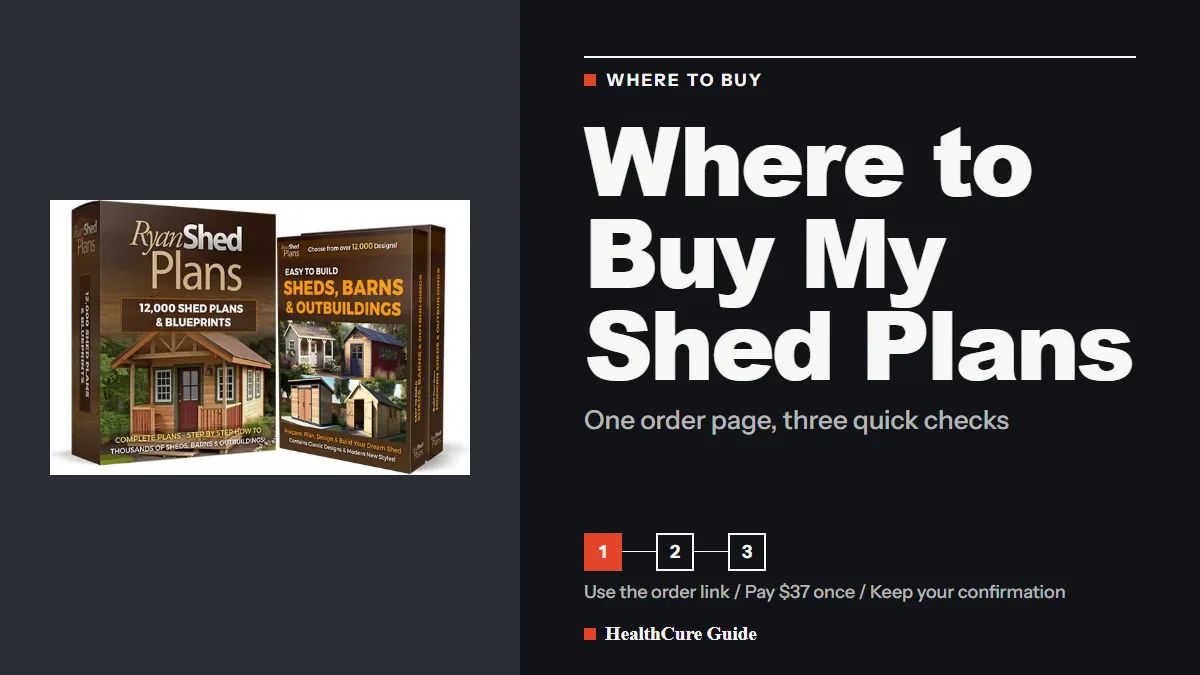
Shed projects are full of small purchases, so it is tempting to look for a bargain on the plans too. Before you search for where to buy My Shed Plans, know this: the library has one genuine order route. It runs through the official order page reached from the seller’s site at myshedplans.com, and the payment is handled by ClickBank as the retailer. Order there, and you get the members area, the downloads and the seller’s help desk in one place. The My Shed Plans hub lists the same order on one page. Order anywhere else, and you may get none of those things.
Why the official order page is the right place
A digital library lives in a members area, and that area belongs to the order you place. When you pay on the official route, the members area is tied to your purchase, so the sign-in works, the downloads open and the help desk can find your order when you write to it. A marketplace listing or a file site cannot provide that link. It may send you a file, a copy or a page of links, but it does not give you the seller’s support or the order record that a refund request depends on.
The official route also keeps the price honest. The seller lists $37 as one payment for the library, and the order page is where that figure appears on screen. A purchase that stays on one route also keeps the help desk and ClickBank looking at the same order, which saves time if you ever need to ask a question. A third-party page may show a different number, a bundled copy or a claim the seller never made. Stick to the route, and the number you see is the number that applies.
Marketplaces and file-sharing sites
Online marketplaces and file-sharing sites are a common trap for digital products, and shed plans are no exception. A listing may use the product name, borrow a cover image or promise a download with no sign-in at all. Copies offered on such listings may not come with a members area, a help desk or a route for a refund. Others are simply pages that collect your details before sending you somewhere else.
Skip them, even when the price looks lower. A file found on a site you do not know can also carry risks on your computer that a clean order page does not. If you have already downloaded something from one of these sites, scan it with your security software before you open it, and go to the official route for the genuine library.
Step one: reach the seller’s site yourself
Begin by typing the seller’s address into your browser: myshedplans.com. Typing the address yourself is more reliable than clicking a link in an email or a comment, because a copied address can point to a page that looks similar and is not the real one. Once the site loads, look for the product name, the seller’s branding and a clear route to the order page. Read the page from top to bottom before you click anything.
If you arrived here through a button on our site, that button leads to the same official order route. You can use it, or you can type the address directly. Both routes should end up at the same order page.
Step two: check the order page before you click
Read the order page before you enter any detail. Look for the product name, the price and the payment wording. The seller lists one payment of $37 for the library, so the page should show a single figure with no monthly fee attached. Check that the order page mentions the 60-day money-back guarantee and the seller’s support route, because those details tell you the order is set up for you.
Look at the optional disc too. An optional PC DVD-ROM is offered at checkout, and it is a separate choice from the library itself. Leave it unticked until you have read the line that describes it, and check that the total still matches the figure you expect.
Step three: complete the order through ClickBank
The buy buttons on the official route lead to a ClickBank order page. ClickBank is the retailer for this product, so the payment and its records run through that system. Enter your details carefully, use an email address you check every day, and read the final total before you confirm. The confirmation email arrives after payment and carries the order number you will need later.
If the order page asks for anything beyond your name, email and payment details, pause and check the page again. An unexpected request is a reason to reach the seller’s help desk before you go further.
Step four: keep the records that matter
Once the order is complete, file the confirmation email in a folder you will find again. Keep the order number, the date on the email and any message from the seller’s help desk in the same place. Those details are what let you ask for a refund later, and they are what the help desk uses to find your order quickly.
Keep a copy of the receipt, too. Some people print it, and others keep a PDF in a cloud folder. Either works, as long as you can find it on the day you need it. The records cost nothing to keep and can spare you a long search later.
Step five: sign in and download the bundles
Sign in to the members area with the details the seller provides, and find the plans you want. Downloads arrive as compressed bundles of PDF pages, and the files are large, so begin them on a steady connection. Give each bundle time to finish, and open the PDF only after the download completes. Our PDF guide explains how to unpack, search and print the sheets without losing time.
Once the first bundle is saved, you have what you paid for. The rest of the work is planning and building, and the plans give you the materials lists and cutting lists to guide that work.
Why the route matters for a refund
A refund request needs proof of your order. Requests go to the seller’s help desk through its ticket form, and ClickBank order support is the backup route. Both work from the order details that the official route produces. A purchase made through an unknown source can leave you without the record you need to ask for money back, and that is a real cost, even if the price looked lower at first.
Our money-back guarantee post walks through the refund route in order. For now, the simple rule is this: keep the confirmation email, keep the order number and keep the help desk’s replies together.
What to do if the page looks different
Pages change, and a seller can update its offer. If the page you reach looks different from this guide, stop before you pay. Type the seller’s address again, compare the page against the steps above and check that the figure reads $37 as one payment. If anything still differs, contact the help desk through its ticket form and ask before you order.
Do not pay through a page that asks you to send money another way, such as a transfer to a private account, a gift card or a crypto wallet. The official route uses the ClickBank order page, and a request for a different payment method is a sign that you have left the route.
Where to buy My Shed Plans, summed up
Here is the short version. Type myshedplans.com, or use the button on our site. Read the order page and check the figure. Complete the order through ClickBank. Keep the confirmation email, the order number and the help desk details. Sign in to the members area and download the bundles on a steady connection. Each step is simple on its own, and together they keep the purchase on the one route that delivers the library and the support behind it. The My Shed Plans hub gathers the core facts, and the where to buy catalog page lists the same route in catalog form.
For the price in more detail, see the price guide. To check the official site on its own, read the official website guide, and for the broader question of whether the library is genuine, see is My Shed Plans legit.
Common questions
Where is the only genuine place to buy My Shed Plans?
The official order page, reached from the seller's site at myshedplans.com. Buy buttons on that page lead to a ClickBank order page, and ClickBank is the retailer.
Can I buy My Shed Plans on Amazon or eBay?
We do not recommend it. The library is sold through the official order route, and a listing on a marketplace cannot give you the members area or the seller's help desk.
Is there a physical box I can buy in a store?
The main product is a digital library. An optional PC DVD-ROM is offered at checkout on the official order page, and it is not sold through shops.
How much does it cost to order?
The seller lists $37 as one payment. Check the figure on the order page at checkout, because the total on your screen is the one you pay.
What should I keep after I order?
Keep the confirmation email, the order number and the date, and any message from the seller's help desk. Those details are what you need if you ever ask for a refund.
What if a page looks different from this guide?
Stop before you pay, reach the seller's site again by typing the address yourself, and compare the page against the steps here. If something still differs, contact the help desk first.