Where to Buy InstaDoodle: Order Through the Official Page
The safest order is a short one: go straight to the seller's order page, pick the monthly plan that fits your work and keep the receipt. This guide shows each step and the few details to check first.
- Written by
- HealthCure Guide Editorial Team
- Reviewed by
- HealthCure Guide Editorial Team
- Updated
- Reading time
- 6 min read
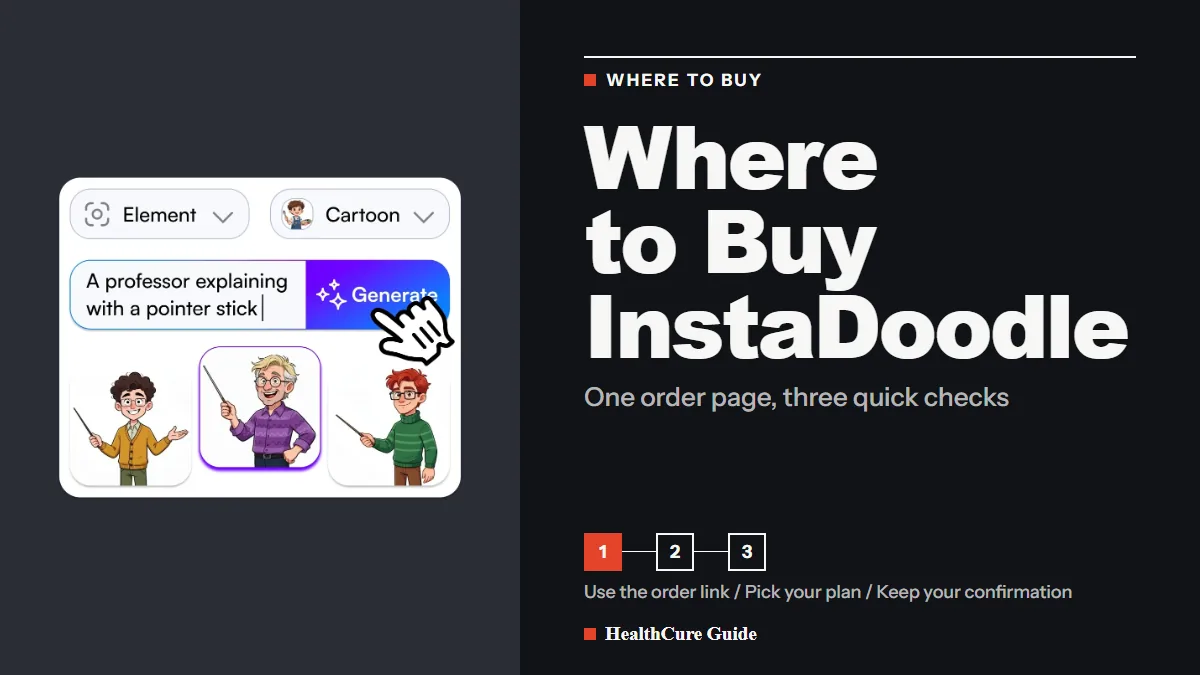
Knowing where to buy InstaDoodle matters as much as knowing what the app does. A clean order gives you a single account, a plan you chose on purpose and a confirmation you can use later for sign-in or support. A messy order, placed through a reseller or a copied page, can leave you chasing details across several inboxes. The route below is short. Start at the seller’s official page, pick a monthly plan, check the figure on the order screen and keep the receipt. Each step takes a minute, and together they make the whole purchase easier to manage.
Why the official order page is the right route
Only the seller’s own pages carry the plan terms, the monthly figures and the refund wording in the maker’s own words. When you order there, every number you read matches the number you pay. You also get a confirmation tied to the same account that you will sign in to later.
Marketplaces and resellers add a middle layer. A middle layer can change the plan, the price, the billing contact or the support route, and it can hold the receipt somewhere you cannot easily reach. We advise against those routes for that reason. Buying direct keeps every record in one place. The InstaDoodle hub lists the plans and the buying notes on one page, so you can check them before you start.
Three routes you may come across
Searching for InstaDoodle can turn up a handful of different pages. This table helps you sort them.
| What you find | What to do |
|---|---|
| The seller’s own site at instadoodle.com | Use it as your starting point and follow its order buttons |
| A button on our pages | It opens the order page, where the plan and price appear before you pay |
| A marketplace listing, reseller or forum post | Skip it and go to the official order page instead |
Buttons on our pages send you to the order page, where the chosen plan and its monthly figure appear before payment. We do not describe a different offer there, so read the screen itself before you confirm anything.
Where to buy InstaDoodle, step by step
- Open the official page. Type instadoodle.com into your browser yourself, rather than following a link from a message you did not expect.
- Look at the plans. The seller lists Standard at $47 a month, Pro at $67 a month and Agency at $127 a month. Pick the one that matches the work you plan to do.
- Go to the order screen. Use the order button for your chosen plan. The order screen should name the plan and show the monthly amount before any payment step.
- Read the renewal line. Renewal continues until you end the plan, which the seller says you can do whenever you like. Be sure that is clear to you before you continue.
- Check the total. Look for any tax or currency line and confirm the final figure.
- Save the confirmation. Keep the email that arrives after the order. It carries the account email you will use to sign in, the purchase date and the order number.
Six steps, one clear record. That is the whole ordering routine.
What to check on the order screen
Before you press the final button, scan the screen once more. The plan name should match the one you picked. The amount should be a monthly figure for that plan. The renewal wording should say the subscription continues until you end it. The guarantee line should name the 60-day period and the credits limit.
If any of those points look different from what you expected, stop and compare the screen with the seller’s pages before you go further. A short pause is cheap, and fixing a wrong plan after the fact takes longer.
Keep the confirmation for the long run
A confirmation is more than a receipt. It becomes your reference for signing in, checking renewal dates and any refund conversation. Move it into a folder named for InstaDoodle, and note the order number and the purchase date beside it. A few seconds of filing now saves a search later.
Our official website guide explains how to recognise the genuine order page, and the price breakdown sets the three monthly plans next to each other. If you want to check the seller’s terms and support route before you order, our legit check walks through them.
Which plan to pick at the order screen
Choosing the plan is the step that most shapes your monthly cost, so take a moment with it. Standard fits a solo maker who needs the core drawing, voice and export tools for a regular flow of short clips. Pro adds the larger element library, the commercial license and higher resolution export, and it includes a music bonus of 20 background tracks. Agency adds a script helper, a way to bring in your own footage and a set of AI voices in six voices and more than 30 languages.
Think about the clients or channels you will serve in the first month, not the largest plan you could imagine. You can review the plan at each renewal, so a steady start is often the most sensible one.
Questions to ask yourself before you click
Before you open the order screen, answer three questions on paper. Which work will the plan cover in the first month? Which inbox will receive the confirmation, and will you still check it in six months? Who will sign in to the account? Those answers shape the plan you pick and the account details you enter, so a minute spent on them can prevent a second order later.
It also helps to set a reminder for the renewal date and to note the monthly figure you saw on the order page. A later bill can then be checked against that note in seconds. If you order for a team, agree on who holds the account first, because the confirmation and the refund route both run through it. If you order for a client, make sure the account holder is the person who will run the projects, since the records stay with that holder.
When the order page looks different
Pages change over time. If the plan names or figures on the order screen do not match our price guide, trust the screen as the seller presents it, and compare it with the seller’s official pages before you go further. Our guides are a reading of the pages on the date we checked them. The order screen you see on the day is the final word for your purchase.
If something still looks wrong, pause and ask the help desk before you enter any payment details. A short question costs nothing, and it is far easier to clear up before the order is placed than after.
Common slips when ordering
The most frequent slip is ordering a plan with the wrong figure in mind, usually because the number on a listing was copied from an older page. Check the amount on the order screen itself. The second slip is skipping the renewal line, which means the first renewal arrives without a reminder. Put the renewal date in your calendar at the moment you order. The third is losing the confirmation, which makes sign-in and refund requests slower. Save it once, and you avoid all three. A fourth slip is a typo in the account email, which can send the confirmation to an inbox you never open. Read the address back before you press the final button.
Good to know
The subscription renews until you cancel, and cancelling is a separate step from asking for a refund. Your prompts and uploads are processed by the seller and third-party AI providers, so upload only what you have the right to use. The seller’s refund policy has the full refund steps.
For the plan-by-plan detail on our own pages, read the where to buy page, and come back to the InstaDoodle hub for the rest of the buying notes.
Common questions
Where is the official place to buy InstaDoodle?
The seller's own site is instadoodle.com. Type that address yourself, then use the order buttons on the official page to reach the checkout.
Can I buy InstaDoodle on a marketplace or from a reseller?
We advise against it. Order through the official order page so the confirmation, the plan terms and the refund route all come from the seller.
What does InstaDoodle cost to order?
The seller lists Standard at $47 a month, Pro at $67 a month and Agency at $127 a month. The order page shows the exact plan and price before you pay.
What should I keep after I order?
Keep the confirmation email. It holds the account email, the purchase date and the order number you need to sign in or to ask for a refund.
Does ordering through this page cost more?
The figure on the order page is the one that applies. Check it before you confirm, and compare it with the plan figures in our price guide.