InstaDoodle Official Website: How to Reach the Real Order Page
A short route map to the real InstaDoodle site: where it lives, what the page shows about monthly plans, how copies differ and where the guarantee rule sits before you click anything.
- Written by
- HealthCure Guide Editorial Team
- Reviewed by
- HealthCure Guide Editorial Team
- Updated
- Reading time
- 6 min read
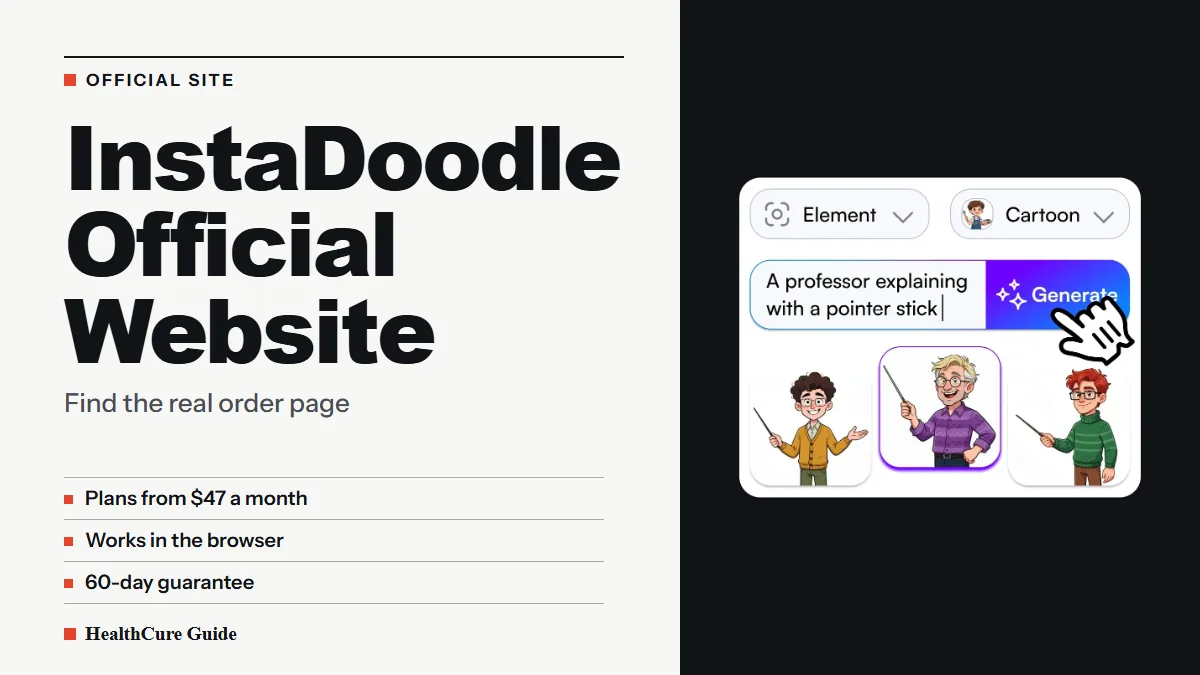
Anyone searching for the InstaDoodle official website wants the same thing: a way to reach the genuine site without guesswork. The seller’s own address is instadoodle.com, and that is where this guide starts. From there we explain what the page shows, how the monthly plans are presented, how to tell a copy from the original and which rule to read before you place an order.
Think of this as a route map rather than a sales pitch. Each stop is short, and you can follow it on your phone in a few minutes.
Step one: open the InstaDoodle official website yourself
Type instadoodle.com into your browser, or open a bookmark you made earlier from a source you trust. Search results can surface look-alike pages with similar names, so a direct address is the safest starting point. Once the page loads, check that the name reads InstaDoodle with the two words joined, and that the page describes an AI doodle-video app.
The site presents the product as a cloud web app. That detail matters, because the genuine site describes a browser-based editor rather than a download. If a page offers an installer or a file to run, close it and go back to the address above. Once you have confirmed the address, note it in a password manager or a notes app so the route stays the same every time.
Step two: read the plan section
Three monthly tiers appear on the site, priced at $47, $67 and $127 per month for Standard, Pro and Agency in that order. The page presents them as subscriptions, and the seller says no long-term contract is involved. Read that section twice, because the monthly label is the detail most worth noticing. Keep a note of the three monthly figures so you can compare them with the order page later.
Two other things belong in your notes. The page lists features under each plan, such as the number of AI credits on Standard and the commercial license on Pro. It also points you to an order step, where the exact plan and price are confirmed. The official page lists monthly plans from $47 a month; the order page shows the exact plan and price before you pay.
Step three: compare the page with what you expect
Use the table below as a quick checklist. It shows what the genuine route looks like next to the signs that you have landed somewhere else.
| What to check | What the genuine route shows | Warning sign |
|---|---|---|
| Address | instadoodle.com, typed or bookmarked by you | An unfamiliar domain, or a long address with extra words |
| Product | A browser-run editor for doodle-style clips | A download, an installer or a file to run |
| Plans | Standard $47, Pro $67 and Agency $127, each per month | A single lump figure, or a price with no monthly label |
| Guarantee | A 60-day refund promise with a credits limit | No guarantee, or a promise with no limit stated |
| Support | A help desk route for tickets | No contact route, or a request to pay through a chat window |
If a page fails two or more of these checks, leave it. You lose nothing by starting over from the address in step one.
Lookalikes and copied pages
Popular products attract copies. Some pages reuse the layout and change only the order button. Others quote a price that never appears on the seller’s plans, add a bundle that is not on the list or promise a benefit the app does not describe. The safest response is the same each time: close the page, return to the seller’s address and read the plan section again.
Keep your attention on the plan names and the monthly wording. A copy often blurs the billing type or drops the credits rule entirely. Those gaps are useful clues, and they cost nothing to notice.
A useful check is to ask whether the page could have been written by someone who had never used the app. Genuine pages describe the editor, the animation options and the export sizes in plain terms. Copies tend to repeat slogans without naming a single control. If all you see is slogans, treat the page with caution and return to the address you typed yourself.
The guarantee rule, stated once
A 60-day refund promise is part of the offer. Before you order, read the rule that sits beside it: a refund is not available if more than half of the included AI credits have been used. On the Standard plan, that line falls at 75 of 150 credits. If you plan to generate many scenes in the first weeks, track your credit use from the first project so the limit never catches you by surprise.
Refund requests go to the help desk. Label yours Refund Request, and include the email on your account, the purchase date and the order number. Your confirmation message holds the order number, so keep it safe. Our is InstaDoodle legit guide covers the rest of the checks in one place.
Questions to answer before you order
Before the order page appears, settle a few questions in your own mind. Which tier covers the clips you expect to make in the first month? Do you need the commercial license from the start, or can you add it later on a different plan? How many scenes will you build each week, and how many credits does a typical scene use? Writing down short answers keeps your thinking calm, and it prevents a rushed choice at checkout.
Also think about who will manage the account. If several people share one login, agree on who handles renewals, refund requests and the confirmation email before anything is paid. That single conversation saves a lot of confusion later.
What to do when you reach the order page
Once you are on the order page, slow down and read it. Confirm the plan name, then the amount beside it and the label that says it is per month. Check the renewal wording, the total and any tax or currency line. If everything matches the plan section you read on the seller’s site, you are in the right place. If the page shows anything you did not expect, such as an extra item or a price you did not see in our plan section, stop and reread the site before you pay.
After payment, save the confirmation message. Note the order number, the email address used at checkout and the date. Those three details are exactly what the help desk asks for if you ever need to reach it. Our price guide breaks down the three plans in more detail if you still need to pick one.
Why starting at the address matters
Many buying mistakes begin with a search result rather than the product itself. A link can look official and still lead to a page that changes the price, the billing type or the guarantee. Typing the seller’s address yourself removes that risk. It also keeps you in control of the moment you choose a plan. You are not following a path someone else picked for you.
A short habit helps. Bookmark the genuine address once you have confirmed it, and use that bookmark for every later visit. Then the official route stays one click away, even months from now, when a renewal reminder arrives or you want to check a plan. The same address also leads to the help desk, so support is one step away after purchase as well as before it. Our InstaDoodle hub lists every page in the catalog.
Where to go next
If you want the full picture, read the InstaDoodle price guide for the monthly figures and the bonus notes. For the complete plan breakdown, see the official website page in our catalog. Both pages point back to the same seller address, so you can cross-check each figure yourself. If you want a fuller picture of the editor’s strengths and limits, our InstaDoodle review walks through them with the plans in view. The InstaDoodle hub gathers the rest of our notes.
Good to know: the seller says it does not offer free versions, so plan for a monthly charge from the first order and keep the confirmation close at hand.
Common questions
What is the InstaDoodle official website?
The seller's own site is instadoodle.com. It describes the cloud app, lists the monthly plans and links to the order page.
Which plans does the official site show?
Three monthly plans: Standard at $47 a month, Pro at $67 a month and Agency at $127 a month. Each one is a subscription that renews until you end it.
Is there a free version on the official website?
The seller says it does not offer free versions, so expect a monthly charge from the first order.
How do I spot a copy of the site?
Check the address, the plan names, the monthly wording and the guarantee text. Pages that quote odd prices, add unknown bundles or ask for payment in a chat window are not the seller's site.
What is the refund rule I should know first?
The guarantee is 60 days, but a refund is not available if more than half of the included AI credits have been used. Request it through the help desk with the subject Refund Request.