InstaDoodle · Official website
InstaDoodle Official Website: Find the Real Order Page
The seller's own site, what you will see on it, how the three monthly plans are presented, how to tell a genuine order page from a copy, and how to reach it from here.
- From $47/month
- 60-day refund
- Software & Creator Tools
At a glance
- Refund window
- 60 days
- Lowest price
- $47
- per month, Standard package
- Written by
- HealthCure Guide Editorial Team
- Published
- Reading time
- 6 min read
Searching for the official website of a product is a sensible step, and it is also where lookalikes tend to appear. This page explains how to find the genuine InstaDoodle site, what it shows about the product, how the monthly plans are presented and how to recognise a copy before you enter any details. It is written for people who want to order with confidence.
The seller’s storefront lives at instadoodle.com. Enter it manually, or use the button on this site to reach the order page.
What the storefront presents
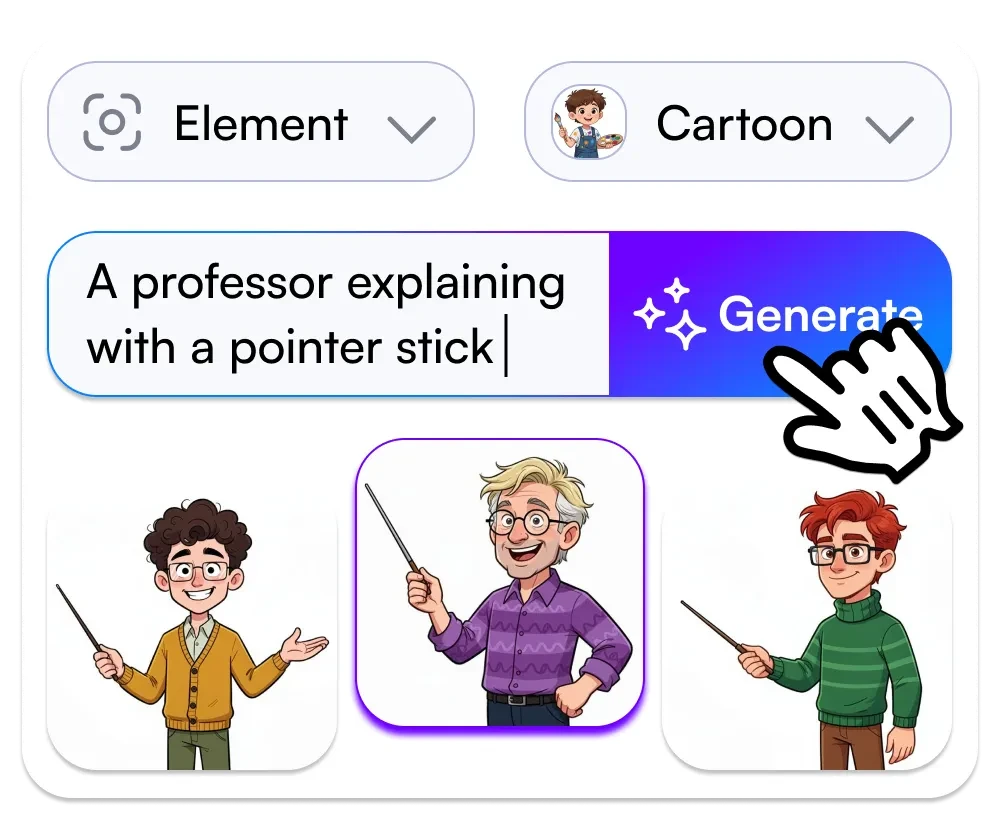
The homepage presents InstaDoodle as an AI doodle creator for explainer videos. The message centres on typing a scene idea and letting the engine draw the characters, with a feature section covering the editor, the animation types, the export formats and the voice and music tools. The copy talks about the product in terms of what it does, and it describes the monthly structure in the pricing area.
The pricing section lists Standard, Pro and Agency side by side, each marked with a monthly amount. Standard sits at $47 monthly, Pro at $67 and Agency at $127.
The official page lists monthly plans from $47 a month; the order page shows the exact plan and price before you pay. Keep that line in mind whenever you visit the site, and give the order page’s numbers the same scrutiny.
The seller’s supporting pages
Further down you will find links to support, terms and a refund policy. Support is reached through help.instadoodle.com, where billing and refund tickets are opened. The terms cover how submissions are processed and what each tier allows commercially. The refund policy describes the 60-day money-back guarantee and its credits rule.
Reading these pages before you order is not a formality. They explain what you are agreeing to, and they are the documents you will point to if a question comes up later. If you are comparing the plans, the terms are where you confirm the commercial license for Pro and Agency.
How to recognise the genuine site
A genuine order page should match what this site describes. Check these points before you continue.
- The address. The genuine domain is instadoodle.com. Scrutinise the address bar, because lookalikes may add words, swap a letter or change the ending.
- The plans. The three monthly plans should be named Standard, Pro and Agency, with the monthly figures listed above.
- The support route. Help requests should lead to help.instadoodle.com, with terms and refund wording easy to locate.
- The billing wording. The subscription is monthly and renews until you cancel. A page that describes a different billing model is not the page to trust.
- The price. A figure that differs from the official page, or a discount that appears only on a pop-up, is a reason to stop.
A copy may look convincing and still fail one of these checks. If in doubt, leave the page and go back through the button on this site.
Warning signs of a lookalike
Copycat sites often follow a pattern. Urgency timers and end-of-offer warnings appear, a discount code surfaces only after you give details, and the monthly structure disappears. Some display one lump price where the real site lists tiers, or send you to a support address that differs from the seller’s. A few request login credentials that the real order flow never asks for.
A single sign proves little, but a cluster of them is reason enough to leave. Close the tab, reopen the order route from this site and begin afresh.
What to do once you are on the right page
On the real order page, choose the tier that matches your workflow: Standard for the core loop, Pro for the expanded library, commercial rights and higher export, Agency for AI Wizard, InMotion and AI Voices. Verify the bonus, the renewal wording and the guarantee terms before paying.
Once payment clears, archive the confirmation message. It records the tier, order reference and account address you will need for any later request, refunds included.
Why the official site matters for your guarantee
The 60-day money-back guarantee attaches to a legitimate order, so your buying path shapes the help you can receive. Orders placed on the real page are simpler for the support desk to locate. Begin at the official site even when a copy appears more convenient.
Keep the credits boundary in mind as well. Beyond half of the bundled AI credits, refunds are no longer an option; on Standard that means exceeding 75 of 150. Pause generation while any request is pending.
The official site at a glance
| What to look for | What you should see |
|---|---|
| Address | instadoodle.com, typed or reached through the button on this site |
| Tiers | Standard, Pro, Agency; monthly billing on each |
| Support | Ticket-based help desk at help.instadoodle.com |
| Legal pages | Terms and refund policy, both online |
| Refund window | 60 days, with a credit-usage ceiling |
Common questions
What is the official InstaDoodle website?
The seller's site is instadoodle.com. It shows the product, the three monthly plans and the links to the help desk and terms.
Can I order from the official website directly?
Yes. The seller's site has its own order flow. Our buttons lead to the order page, and both routes show the plan and price before you pay.
What do the plans look like on the official site?
Three cards, one per plan, each with a monthly figure. Standard is $47 a month, Pro is $67 a month and Agency is $127 a month, and the order page shows the exact plan and price before you pay.
How do I know a copy is fake?
Check the domain carefully, look for the seller's help desk and terms, and be wary of codes, urgent timers or prices that differ from the official page.
Where do I ask about my order?
Open a ticket on the seller's help desk at help.instadoodle.com. Include your account email and order number.