InstaDoodle · Safety
InstaDoodle Safety: AI Output, Uploads and Billing
A calm, practical look at the parts of InstaDoodle that deserve a moment of thought: where your files travel, who owns the output, how renewals work and what the credits rule means for you.
- From $47/month
- 60-day refund
- Software & Creator Tools
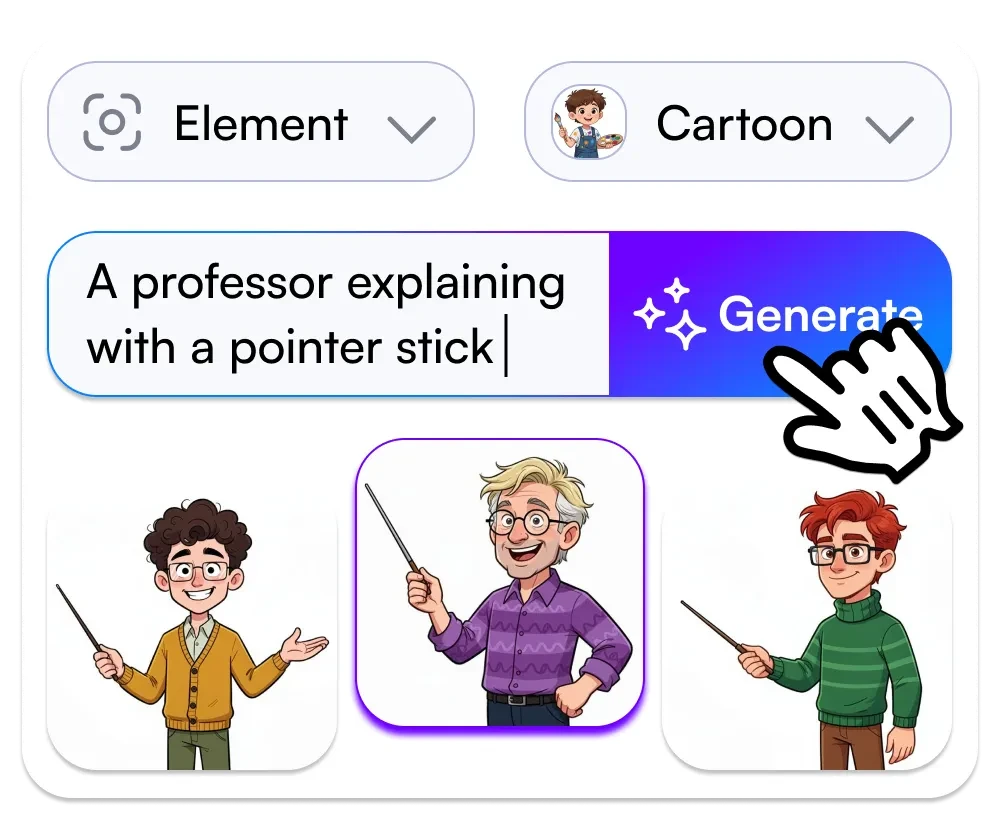
At a glance
- Refund window
- 60 days
- Lowest price
- $47
- per month, Standard package
- Written by
- HealthCure Guide Editorial Team
- Published
- Reading time
- 8 min read
Software that handles your concepts, pictures and narration merits a pause before you lean on it, and InstaDoodle is a useful case study. Being cloud-hosted, its processing passes through the seller’s infrastructure plus the AI services it calls. Plenty of creative software works this way, so knowing the essentials lets you proceed confidently.
Here we go through the operational questions: destinations for your files, what generated work means for rights, renewal mechanics, commercial coverage by tier and how the credit cap interacts with refunds. Consider this general information rather than legal counsel, and consult the seller’s current terms for anything specific to you.
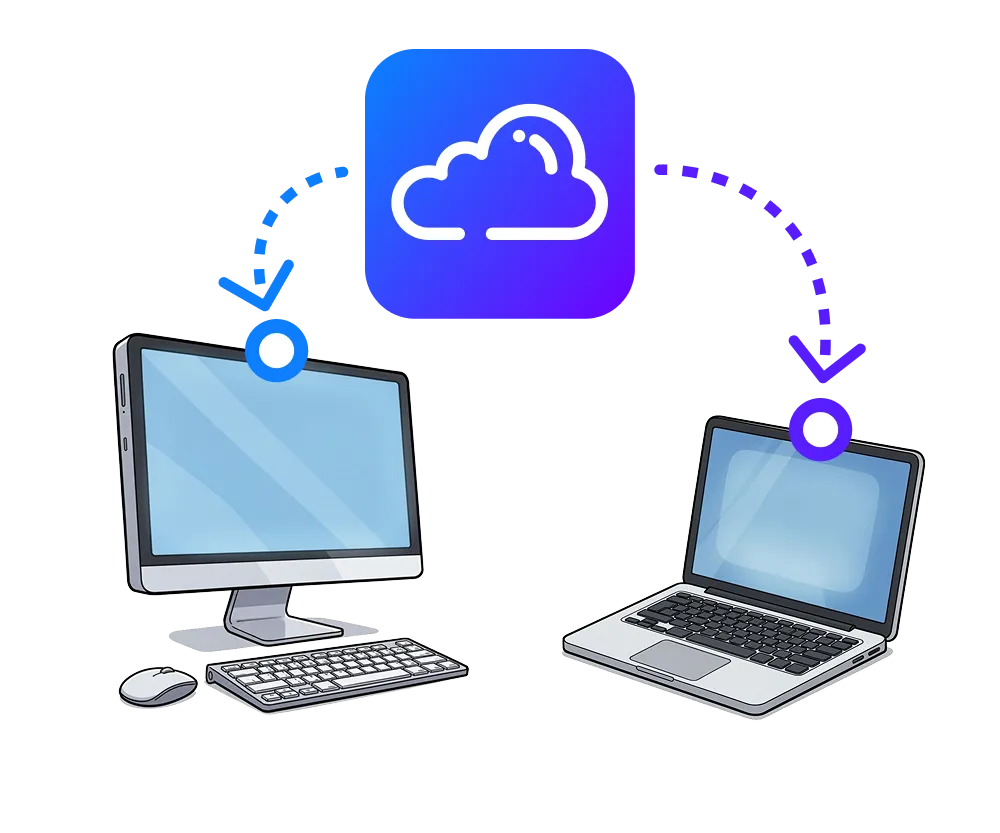
Your files in a cloud app
Since the editor lives in a browser, your work is saved and rendered on remote servers. Under the terms, the seller and outside AI vendors touch prompts, files and projects. Those vendors power features like illustration and voice synthesis.
What that means in practice is simple. Anything you type or upload should be something you are happy to have processed by those services. A prompt that describes a private situation, a photo of a person who has not agreed to appear, or a recording of someone else’s voice belongs in a different place. Keep your uploads to material you own or have clear permission to use, and keep your account login private.
If you work with confidential material, read the terms in full before you start, and choose what you will and will not put into the tool. That one habit covers most of the practical risk with any cloud creative app.
Uploads and rights
Pictures can be uploaded on any tier, while footage and custom typefaces arrive on the upper tiers. Submitting a file asserts that you hold the necessary rights. Third-party photos, trademarks and tracks come with their own permissions, and a permission for one purpose may not cover another. Verify provenance before adding anything to a project.
Narration calls for the same diligence. Your own recordings are yours to manage; anybody else’s voice requires their go-ahead. Building projects from clearly owned material and the seller’s bundled library keeps things simple.
AI output and copyright
According to the seller, generated output might not attract exclusive copyright coverage. Put simply, a picture or clip built mostly by an algorithm may not enjoy the protection a hand-made piece would. The work remains usable, but do not assume you can block others from reusing a finished video, and inspect every scene before release.
Review means more than a quick glance. Check the characters, the text on screen, the background elements and the voice. Make sure nothing looks like a known brand, a real person or a logo you do not have permission to show. If a video will carry your name or a client’s name, keep a record of the source files and prompts in case questions come up later.
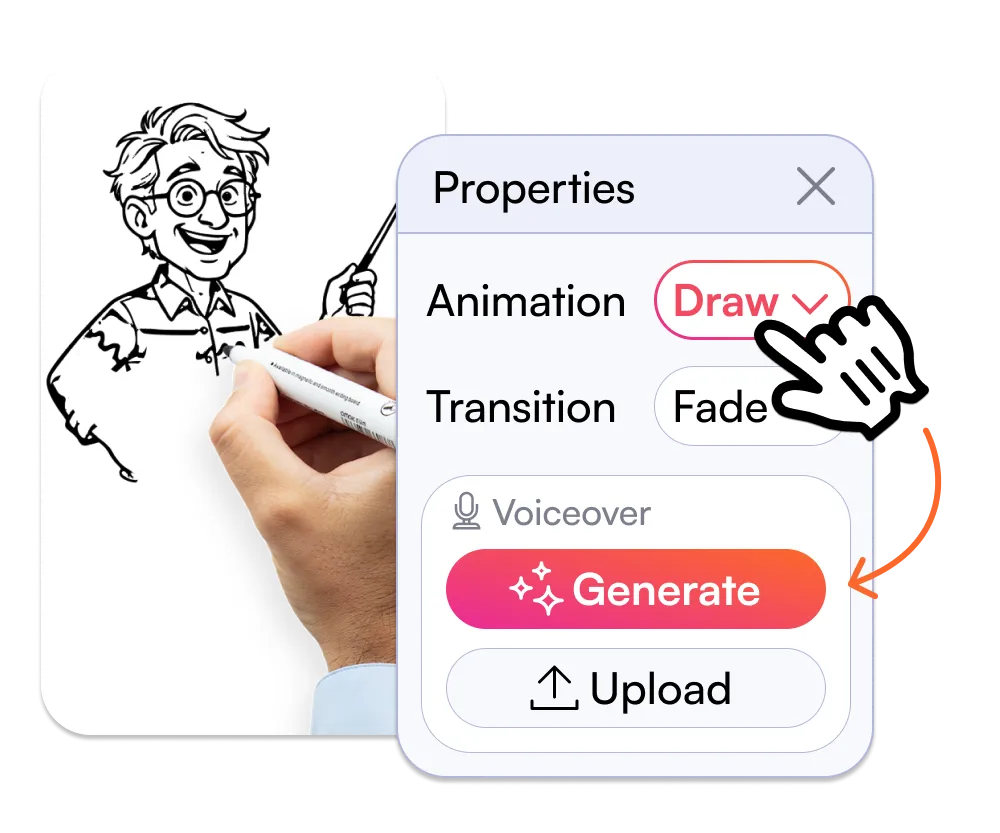
How monthly billing renews
Three recurring tiers make up the offer: Standard at $47 a month, Pro at $67 a month and Agency at $127 a month. The official page lists monthly plans from $47 a month; the order page shows the exact plan and price before you pay. Charges continue each month until you end the subscription, and the seller says ending is possible whenever you wish.
Billing stays predictable with two routines. Write down the renewal day as soon as you subscribe. Keep cancellation and refund requests apart in your mind: stopping future charges is one matter, while claiming money back follows its own policy, which the seller explains. Renewal charges carry no fresh guarantee, so read the terms that govern each one.
The order page is also where you should confirm the plan you are buying. If the plan, the monthly figure or the bonus listed does not match what you expected, stop and check before you confirm the order.
The credits rule and your refund options
The 60-day money-back guarantee carries a single practical boundary. Past the point where half of the bundled AI credits are spent, the refund door closes; on Standard that means beyond 75 of 150. To keep the option alive during a review, pause new scene generation until the matter is resolved.
Refund asks go to the seller’s support desk, help.instadoodle.com, where a ticket labelled Refund Request starts the process. Your account email, the purchase day and the order reference are the details to supply, and the confirmation email is worth archiving. Qualifying refunds, according to the seller, are processed within seven calendar days after it gathers what it needs; access and unused extras stop at that point.
Commercial use by plan
Whether commercial use is covered hinges on the tier. Pro and Agency carry the license per the seller, and Agency bundles everything Pro offers. Standard subscribers ought to review the terms before putting a clip to business, client or paid use. Reselling platform access is prohibited on every tier.
If you are not sure which plan applies to your use, do not guess. Read the terms that came with your order, or ask the seller’s help desk before you publish. A few minutes of checking is far easier than correcting a published video later.
Practical safety checklist
- Keep your login details private and use a strong password you do not reuse elsewhere.
- Upload only assets you are entitled to use: pictures, typefaces, voices and tracks.
- Keep sensitive or private information out of prompts and scripts.
- Review every AI-generated scene, caption and voiceover before you publish.
- Mark the renewal day; if you stop, end the plan through the billing settings.
- Archive the confirmation message, and route any refund request through the help desk with complete details.
- Double-check plan, price and commercial wording on the order screen before paying.
Safety FAQ
Is InstaDoodle safe to use?
It is a working cloud app with a published help desk, terms and refund policy. Use it the way you would any cloud service: keep your account details private, upload only what you have rights to, and order from the official page.
Where do my prompts and uploads go?
According to the seller's terms, they are processed by the seller and by third-party AI providers that help run the app. Treat anything you upload as something that leaves your own computer.
Who owns the videos I make?
The seller notes that AI output may not qualify for exclusive copyright protection. Review each video before you publish it, and check the terms for any rights you do or do not receive.
Do the monthly plans renew by themselves?
Yes. The subscription renews until you cancel, so keep track of the renewal date and cancel through the billing controls or support if you stop.
Can I use the videos for a client or a business?
The seller lists a commercial license on Pro and Agency. On Standard, check the plan terms, and do not resell access to the platform itself.