InstaDoodle · Benefits
InstaDoodle Benefits: Turn Ideas Into Doodle Scenes
What the app does for you day to day, from the first sentence you type to the finished file. Each benefit is tied to a feature the seller lists, with the screens to show you what it looks like.
- From $47/month
- 60-day refund
- Software & Creator Tools
At a glance
- Refund window
- 60 days
- Lowest price
- $47
- per month, Standard package
- Written by
- HealthCure Guide Editorial Team
- Published
- Reading time
- 8 min read
The best way to weigh a creative tool is to ask what it changes about your week. For InstaDoodle, the answer is that a message you have been hoping to get across in meetings, lessons or sales calls can become a finished doodle-style video without you learning an animation package. Here are the benefits that matter most, each one tied to a feature the seller lists.
Benefit one: DoodleAI sketches the cast from a short description
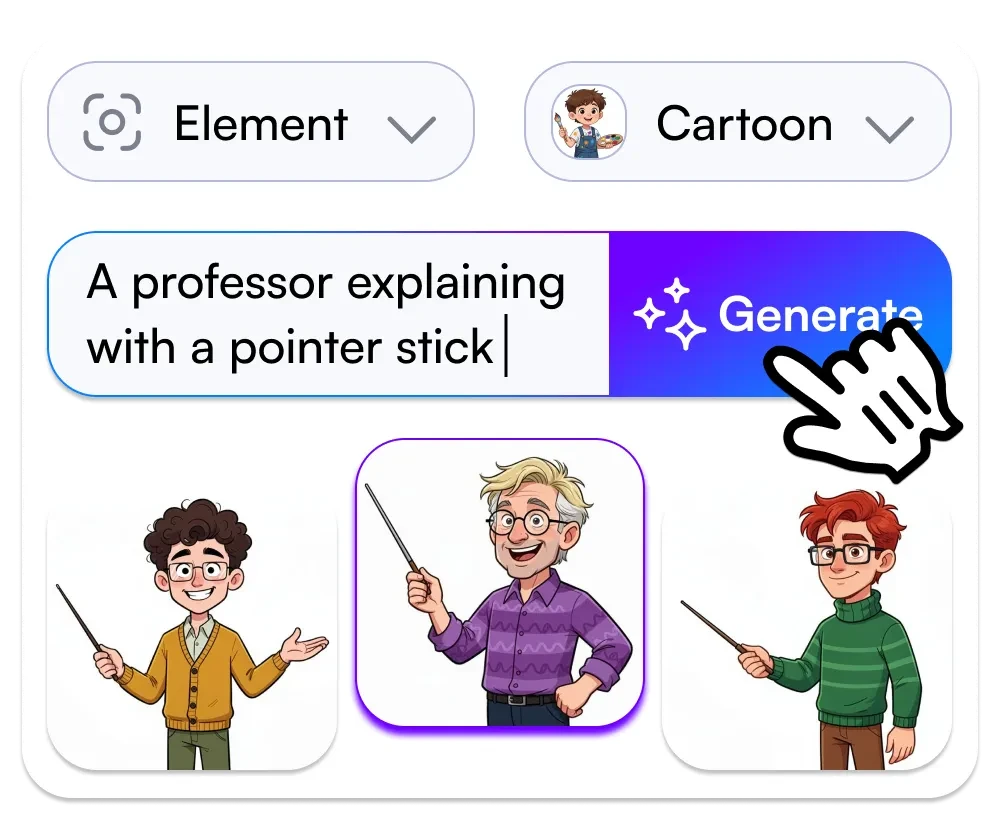
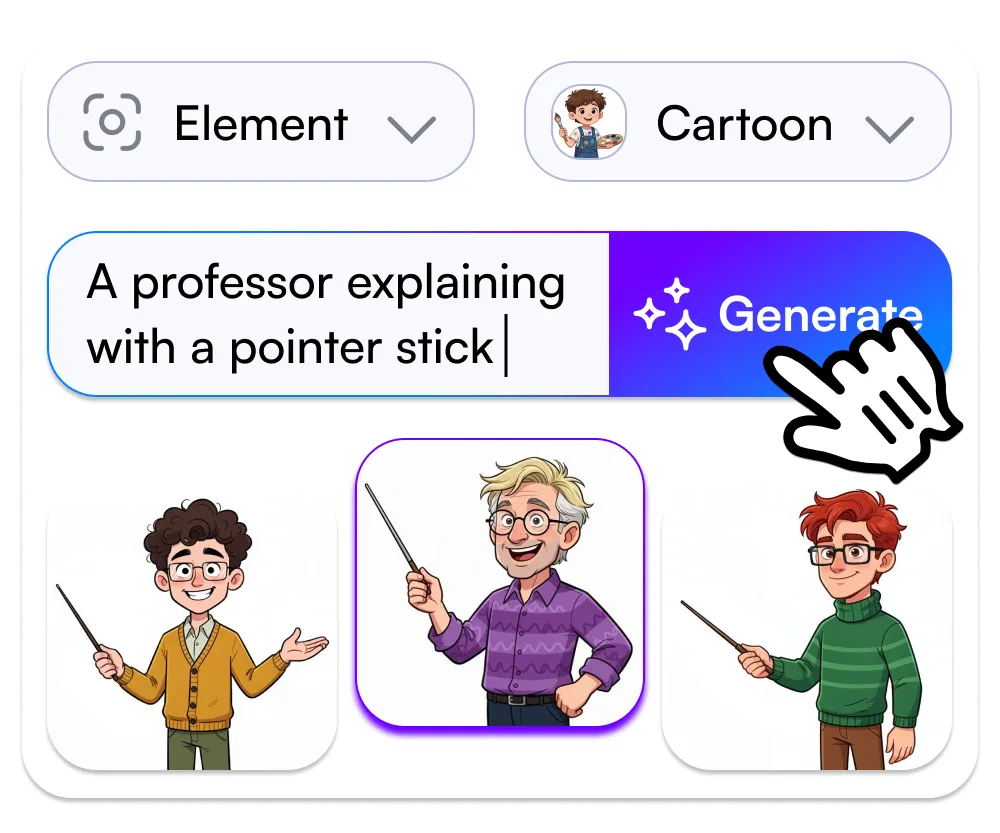
Everything starts here. Describe the scene, for example a nurse walking through a dosage chart or a baker outlining an order process. DoodleAI responds with figures, props and backdrops in a doodle idiom. Six AI looks are listed, from cartoonish to more lifelike, so the tone can suit the audience.
The practical gain is the first draft. Instead of starting with an empty canvas, you start with a scene that already has people and objects in it. You then choose what stays, what goes and where each element sits. You stay in charge of the message while the engine handles the drawing.
Prefer another route? The seller describes a photo-to-sketch option as well. Stick to material you have clearance for, and bear in mind that prompts and pictures move through the seller and outside AI services.
Benefit two: make the scene move, one element at a time
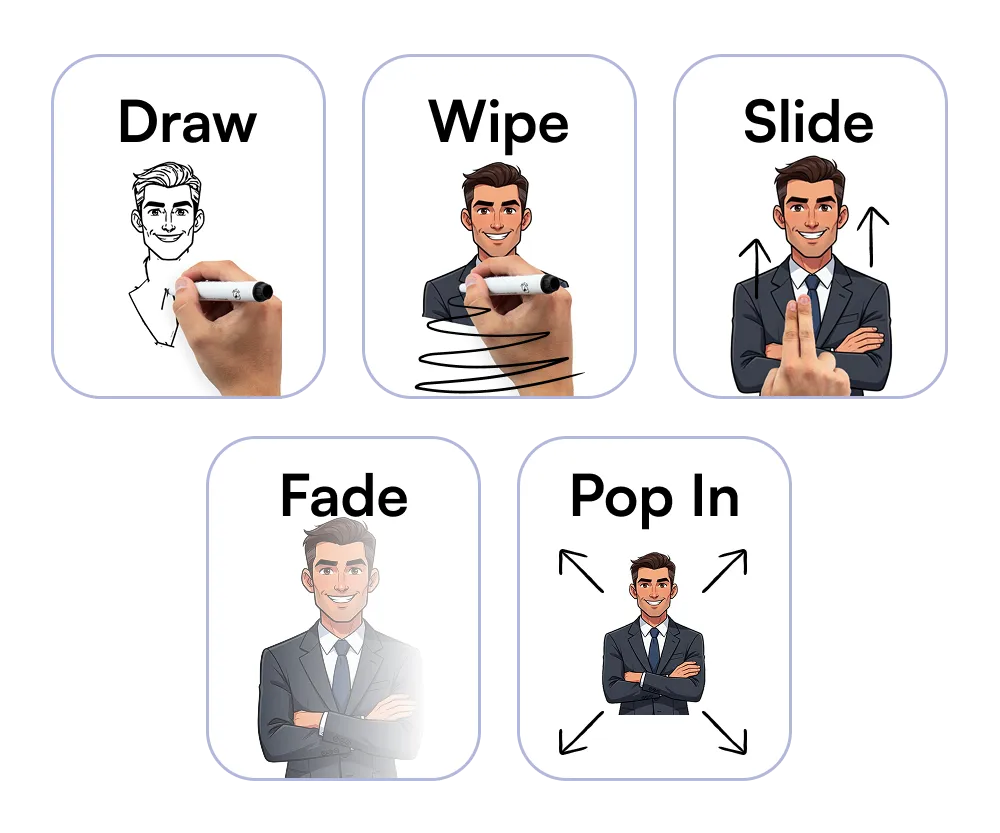
Motion carries much of the appeal in these videos. The app ships six motion styles, including draw, wipe, slide, fade and pop-in, letting you pick how every item enters. The hand-drawn impression depends on sequence, and the draw style can reveal a figure stroke by stroke while narration runs.
Hands add character: eight styles arrive with Standard, and Pro doubles the roster. Match the hand to your subject so the sketch feels like it belongs. Slide transitions knit scenes together, and the layer order keeps motion legible.
Benefit three: add voiceover and background music
Narration turns a set of drawings into a lesson, a pitch or a how-to. InstaDoodle lets you generate a voiceover in the app, record your own narration or upload a file. Background music sits underneath, and the seller lists 20 Background Music Tracks as a Pro bonus, so a soundtrack is ready to go from the start.
Agency expands the narration palette with AI Voices: six choices across 30+ languages. Multilingual audiences benefit, since one scene can take a different voice without any redrawing.
Benefit four: one project, every screen
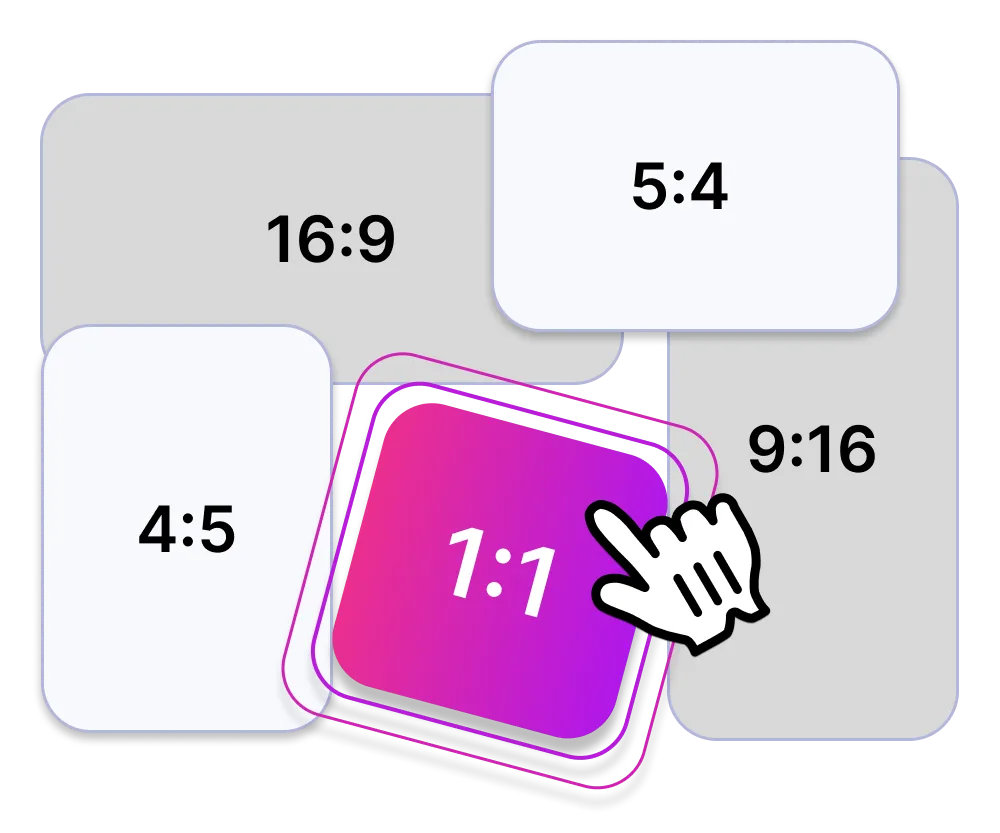
Shipping one idea to a site, a phone and a feed normally triples the workload. Here, one project yields 16:9, 9:16, 4:5 and square files. A laptop-friendly layout can be re-exported for a phone without rebuilding each scene.
Output starts at 1080p HD on Standard; Pro reaches 2K and 4K. Processing runs remotely, so export speed does not hinge on your machine.
Benefit five: start from templates and a library
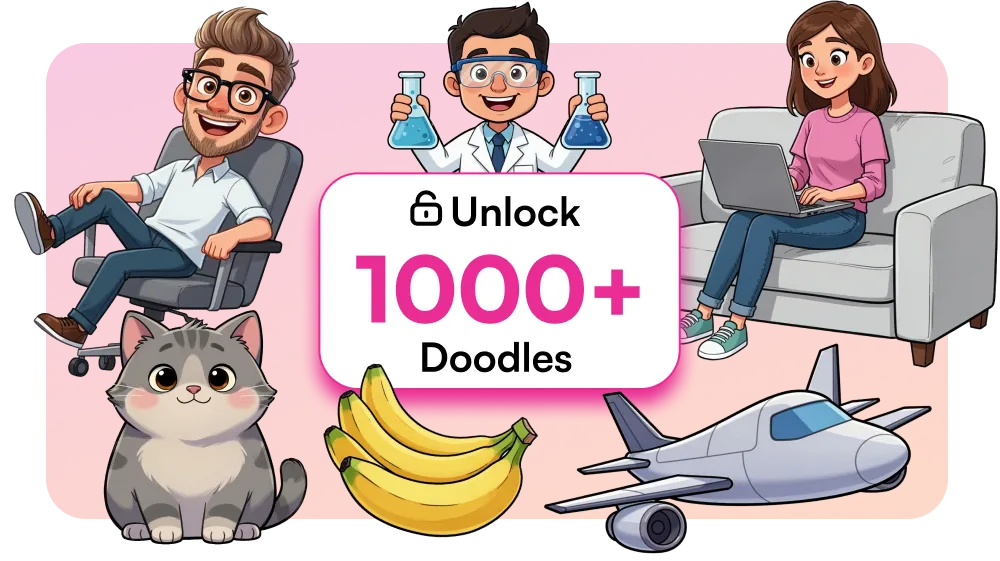
A blank page is optional. Starter templates (fourteen-plus on the base tier) and a library holding over a thousand pieces give you a head start. Pro adds 3,000+ PRO characters and elements. Templates supply the frame for common formats like business explainers; the library supplies props such as cats, bananas, planes, charts and household objects.
Starting from a template is a good habit for a first project. It shows you how the scenes are usually laid out, so the later ones are easier to build.
Benefit six: a monthly plan you can keep or stop
Knowing the cost mechanics comes first. The offer runs on three monthly tiers: Standard $47, Pro $67, Agency $127. Ending is possible whenever you want, per the seller, which provides a defined exit, while recurring charges continue until you stop them.
What you gain is flexibility. A heavy month can be followed by cancellation when the schedule eases. Keep in mind that stopping billing and seeking a refund are separate processes, and the refund route shuts once more than half the bundled credits are consumed.
Who these benefits help most
Teachers and trainers get lesson clips and onboarding videos without a drawing course. The narration carries the explanation, and the sketch gives the lesson a visual thread.
Small business owners can show a process once and share it again and again: how an order works, how a product is set up, or how a service is booked. The vertical and square exports cover the places your audience already looks.
Explainer makers can keep a steady pace across a series. The template library and the element library make it easier to keep a consistent look from one video to the next.
Agency and client teams gain the script generator, the InMotion uploads and the voice options on the top plan, which suit recurring work for several clients.
What the benefits do not promise
Think of these as capabilities rather than promises. Every doodle video still depends on a clear message, a workable script and a reviewer’s eye before release. Generated output may fall outside exclusive copyright coverage, so inspect each scene prior to publication. Nothing on this page promises any particular outcome.
Benefits FAQ
What is the main benefit of InstaDoodle?
You describe the scene in words, and DoodleAI draws the characters and elements for you. That turns a blank page into a first draft you can refine, instead of a sketch you have to produce from scratch.
Can I add my own voice?
Yes. The seller lists voiceover that you can generate in the app, record yourself or upload from a file, and background music sits alongside it.
Who gets the most from it?
Teachers, trainers, small business owners and explainer makers tend to find the format most useful, because the message matters more than the drawing skill.
Do I need to cancel to stop being billed?
The subscription renews until you cancel, and the seller says you can cancel at any time. Cancelling is a separate step from requesting a refund.
Can the videos go on different screens?
They can. The seller lists 16:9, 9:16, 4:5 and square exports, so one project can be shaped for a website, a phone or a social feed.